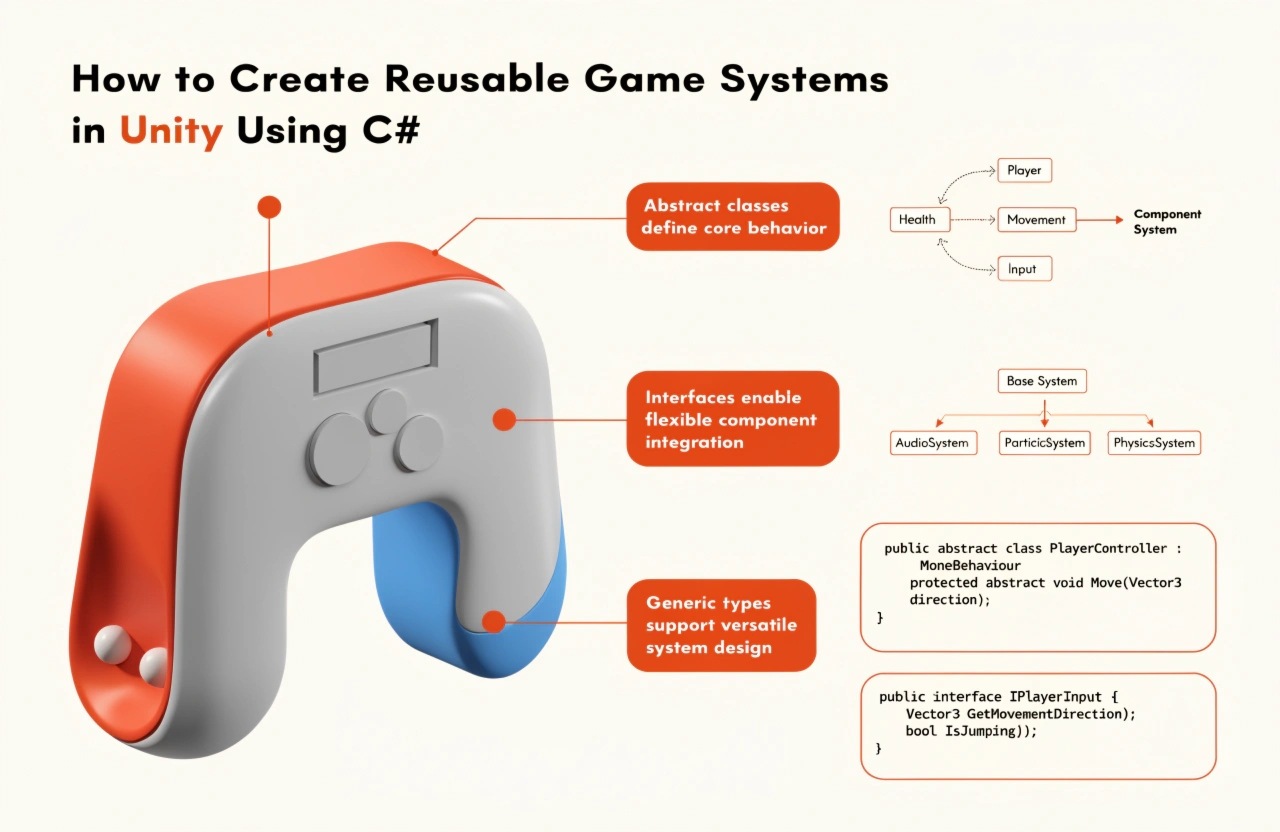
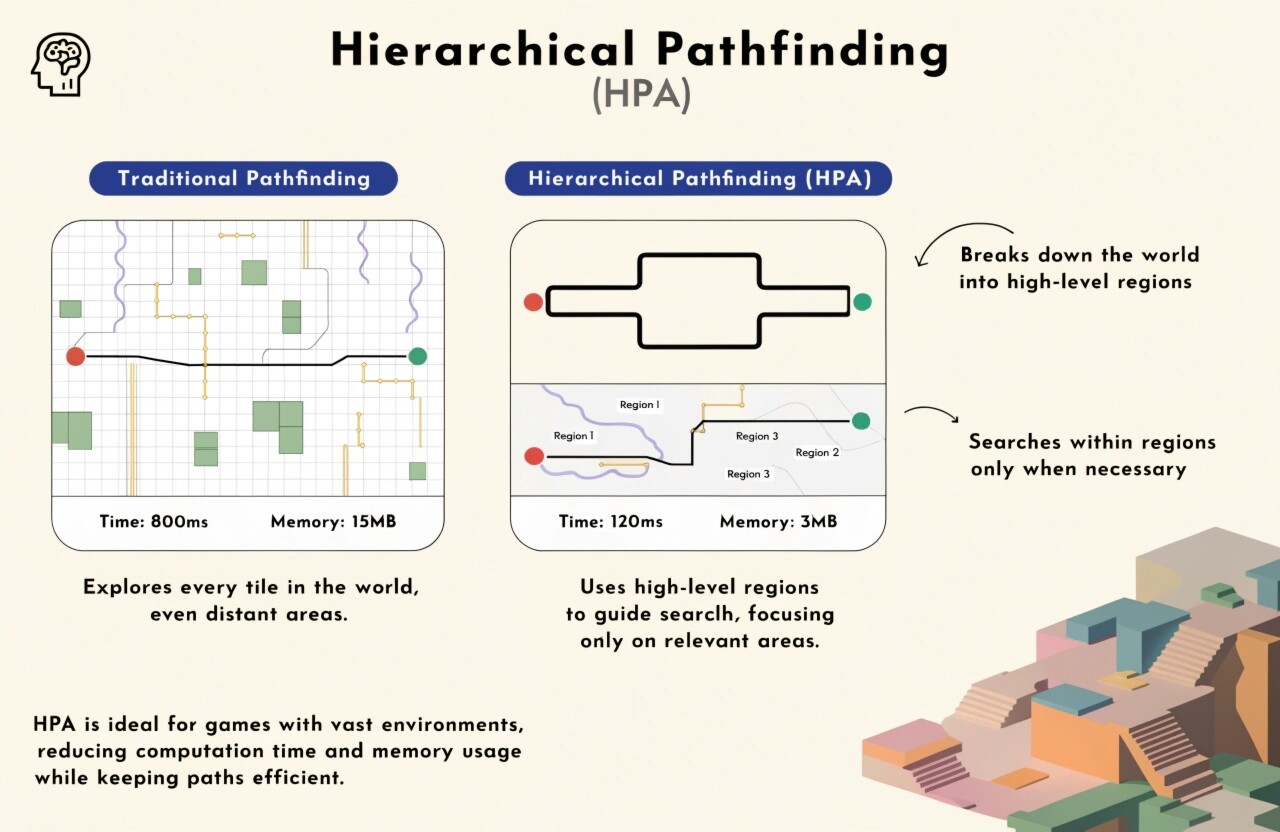
.jpg)
KEY TAKEAWAYS
Discover practical Unity game optimization techniques to improve FPS, reduce lag, minimize memory usage, and enhance gameplay performance. Learn how to optimize scripts, textures, lighting, rendering, and assets for smoother gaming experiences across multiple devices.
How to Optimize Unity Games for Better FPS and Performance
Game performance plays an important role in delivering an enjoyable gaming experience. Whether you are developing a 2D mobile game, a 3D adventure game, or a high-quality PC game, maintaining smooth gameplay is essential. Players expect games to load quickly, respond instantly, and run without lag or unexpected frame drops.
Unity is a powerful game development engine that provides several tools and features for building interactive games. However, poorly optimized scripts, heavy assets, excessive rendering, and inefficient resource management can negatively affect performance.
Understanding how to optimize Unity games for better FPS and performance helps developers create smoother, more responsive, and device-friendly gaming experiences.
Here are some practical Unity optimization techniques every game developer should understand.
1. Use Unity Profiler to Identify Performance Issues
Before optimizing a game, developers need to understand what is affecting its performance. Unity Profiler is one of the most useful tools for identifying performance bottlenecks.
It helps developers monitor important performance metrics, including:
- CPU usage and GPU performance.
- Memory consumption.
- Rendering and draw calls.
- Garbage collection activities.
- Physics calculations.
- Frame rendering time.
Instead of randomly modifying scripts or reducing graphical quality, use the Profiler to identify the actual problem.
For example, if the CPU takes too much time processing scripts, optimize the relevant code. If GPU usage is high, investigate rendering, lighting, and shader complexity.
Tip: Test your game on the target device rather than relying only on Unity Editor performance.
2. Reduce Draw Calls and Optimize Rendering
Draw calls occur when the CPU sends rendering instructions to the GPU. Too many draw calls can increase CPU overhead and negatively affect game performance, especially on mobile devices.
Unity provides several techniques to reduce unnecessary draw calls.
Useful optimization methods include:
- Use GPU Instancing for objects sharing the same material.
- Combine static objects where appropriate.
- Use texture atlases to group multiple textures.
- Avoid unnecessary material variations.
- Use the SRP Batcher when working with compatible Scriptable Render Pipelines.
Reducing draw calls helps improve rendering efficiency and maintain consistent FPS during gameplay.
3. Optimize Textures and Game Assets
High-resolution textures and unnecessarily large assets can consume significant memory and increase loading times.
Asset optimization is particularly important when developing games for Android and iOS devices, where memory and hardware resources may be limited.
Consider these practices:
- Use appropriate texture resolutions.
- Enable texture compression.
- Choose suitable formats for target platforms.
- Remove unused assets.
- Compress audio files where appropriate.
- Use Level of Detail (LOD) for complex 3D models.
For example, a small background object does not always require a 4K texture. Using a suitable resolution can reduce memory consumption without noticeably affecting visual quality.
Efficient asset management improves loading speed and overall game stability.
4. Write Efficient C# Scripts
Poorly written scripts can increase CPU usage and cause unnecessary processing during gameplay.
Unity developers should focus on writing clean and efficient C# code.
Avoid performing expensive operations repeatedly inside the Update() method when they are not required.
For example, repeatedly using GameObject.Find() or GetComponent() inside frequently executed methods can create unnecessary overhead.
Instead:
- Cache frequently accessed component references.
- Use event-driven programming where appropriate.
- Avoid unnecessary object creation.
- Reduce repeated calculations.
- Use object pooling for frequently spawned objects.
- Avoid unnecessary LINQ operations in performance-critical code.
These practices help reduce CPU workload and improve gameplay responsiveness.
5. Use Object Pooling to Reduce Lag
Creating and destroying objects frequently can generate additional memory allocation and garbage collection overhead.
Object pooling provides an effective solution by reusing previously created objects instead of repeatedly instantiating new ones.
It is particularly useful for:
- Bullets and projectiles.
- Particle effects.
- Enemy characters.
- Collectible items.
- Repeated UI elements.
For example, in a shooting game, instead of creating a new bullet every time the player shoots, maintain a pool of reusable bullets.
This approach reduces unnecessary object creation and helps maintain stable performance during intensive gameplay.
6. Optimize Lighting and Shadows
Lighting contributes significantly to the visual quality of a game, but complex lighting calculations can affect performance.
Unity developers should choose lighting techniques based on the target platform and game requirements.
Consider the following:
- Use baked lighting for static environments.
- Limit unnecessary real-time lights.
- Reduce shadow distance.
- Use appropriate shadow resolution.
- Avoid excessive reflection probes.
- Prefer simpler shaders when possible.
For mobile games, carefully managing real-time lighting and shadows can make a noticeable difference in performance.
7. Optimize Physics and Collision Detection
Physics calculations can become expensive when a game contains numerous objects, rigidbodies, and complex colliders.
To improve physics performance:
- Use simple colliders instead of complex mesh colliders when possible.
- Avoid unnecessary Rigidbody components.
- Adjust the physics simulation frequency based on gameplay requirements.
- Use collision layers to prevent unnecessary interactions.
- Avoid excessive physics calculations.
Efficient physics management reduces CPU workload while maintaining realistic gameplay interactions.
8. Use Level of Detail (LOD) and Occlusion Culling
Rendering every object at maximum detail can waste valuable processing resources.
Level of Detail (LOD) helps improve performance by displaying simpler versions of 3D models when objects are farther away from the camera.
Occlusion Culling prevents Unity from rendering objects that are hidden behind other objects.
These techniques are especially useful for large environments, open-world games, and detailed 3D scenes.
They reduce unnecessary rendering operations while preserving visual quality.
9. Monitor FPS and Test on Different Devices
A game that performs smoothly on a high-end computer may struggle on a low-end smartphone.
Therefore, developers should test their games across different hardware configurations.
Important testing areas include:
- Average FPS and frame-time stability.
- Loading times.
- Memory usage.
- Battery consumption on mobile devices.
- Device temperature.
- Performance during complex gameplay scenes.
Use Unity's Profiler, Frame Debugger, and platform-specific profiling tools to identify issues and verify improvements.
Remember that consistent frame times are just as important as achieving a high average FPS.
Conclusion
Optimizing Unity games is an essential part of professional game development. From reducing draw calls and optimizing textures to improving C# scripts, managing lighting, and implementing object pooling, every optimization technique contributes to a smoother gaming experience.
However, optimization should always be based on actual performance measurements rather than assumptions.
By using Unity's profiling tools, testing on target devices, and following efficient development practices, developers can build high-performance games with better FPS, reduced lag, and improved responsiveness.
At DayDreamsoft Infotech LLP, we believe that great game development combines creativity, technical expertise, and performance optimization to deliver engaging gaming experiences.
Want modern tech built into your codebase?
We build scalable web apps, mobile products, and AI backend architectures for growth teams.
Tags
Daydreamsoft Engineering Team
We build scalable web, mobile, and game products for clients worldwide — combining modern frameworks, cloud infrastructure, and best engineering practices.