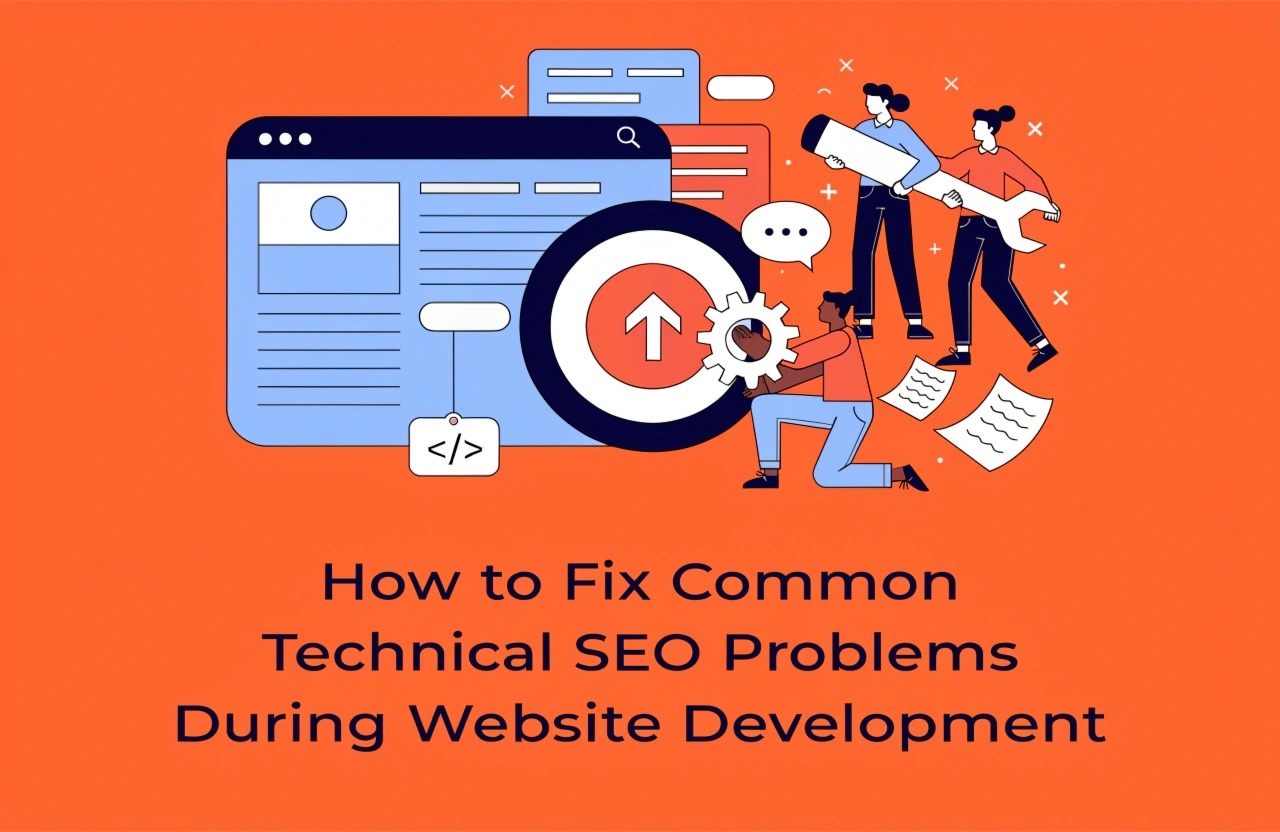
Technical SEO plays an important role in website development. Learn how to fix common SEO problems related to website speed, indexing, crawlability, mobile responsiveness, broken links, URL structures, and sitemaps to build a search-engine-friendly website.
Introduction
Website development involves more than creating attractive designs and functional features. A successful website must also be technically optimized so that search engines can crawl, understand, and index its pages effectively. Technical SEO plays an important role in making websites accessible to search engines while providing a smooth experience for visitors.
However, developers often overlook technical SEO during the development process. Problems such as slow loading speeds, broken links, incorrect redirects, duplicate content, and indexing restrictions can negatively affect search visibility.
Identifying and fixing these issues during website development can prevent future SEO complications and reduce the need for expensive corrections after launch. Let's explore some common technical SEO problems and their practical solutions.
1. Slow Website Loading Speed
Website speed directly affects user experience and is an important aspect of Google's page experience evaluation. Websites with slow-loading pages may experience higher bounce rates and reduced engagement.
Common Causes:
- Large, unoptimized images.
- Unnecessary JavaScript and CSS files.
- Too many third-party scripts.
- Slow server response times.
- Lack of browser caching.
How to Fix It:
Developers should compress images using modern formats such as WebP or AVIF. Minify CSS, JavaScript, and HTML files to reduce unnecessary code. Implement browser caching, use a Content Delivery Network (CDN), and enable lazy loading for images that appear below the initial viewport.
Tools such as Google PageSpeed Insights and Lighthouse can help identify performance problems.
2. Incorrect Robots.txt Configuration
The robots.txt file provides crawling instructions to search engine bots. Incorrect configuration can accidentally prevent search engines from accessing important website sections.
For example, using a broad disallow rule may block important pages from being crawled.
How to Fix It:
Review the robots.txt file before launching the website. Ensure important pages, CSS files, JavaScript resources, and other essential content are accessible to search engines.
A basic configuration looks like this:
User-agent: *
Disallow:
Sitemap: https://www.example.com/sitemap.xml
Developers should also remember that robots.txt controls crawling, not guaranteed indexing removal. Use appropriate noindex directives when pages should not appear in search results.
3. Missing or Incorrect XML Sitemap
An XML sitemap helps search engines discover important website URLs. Missing or outdated sitemaps can make it harder for search engines to discover newly created or updated pages.
How to Fix It:
Generate an XML sitemap containing canonical, indexable URLs. Update it whenever important website pages are added, removed, or modified.
Submit the sitemap through Google Search Console and regularly check for sitemap processing errors.
Avoid including redirected URLs, broken pages, or URLs marked with a noindex directive.
4. Duplicate Content and Missing Canonical Tags
Duplicate content occurs when similar or identical content is accessible through multiple URLs. This can create confusion about which page search engines should prioritize.
For example:
- example.com/services
- www.example.com/services
- example.com/services/
How to Fix It:
Implement consistent URL structures and use canonical tags to identify the preferred version of each page.
Example:
<link rel="canonical"
href="https://www.example.com/services/" />
Developers should also configure consistent HTTPS, preferred domain versions, and trailing slash rules.
5. Broken Links and Incorrect Redirects
Broken links lead visitors and search engine crawlers to unavailable pages. Incorrect redirects can also create unnecessary redirect chains or redirect loops.
How to Fix It:
Regularly check internal and external links during development. Update links pointing to unavailable pages and implement appropriate 301 redirects when URLs change permanently.
Avoid redirect chains by directing old URLs straight to their final destinations. Ensure important pages return the correct HTTP status codes.
Tools such as Screaming Frog SEO Spider can help identify broken links, redirect issues, and crawling errors.
6. Poor Mobile Responsiveness
Most users access websites through mobile devices. A website that does not adapt properly to different screen sizes can create usability problems and negatively affect search performance.
How to Fix It:
Use responsive web design techniques, flexible layouts, and CSS media queries. Ensure text remains readable, buttons are easy to click, and images adjust correctly across devices.
Test websites on different screen sizes and use Google's mobile-friendly development recommendations to improve mobile usability.
7. Missing or Incorrect Heading Structure
HTML heading tags help organize website content and communicate its structure to search engines and visitors.
Incorrect heading usage, such as skipping logical sections or using headings only for visual styling, can make content difficult to understand.
How to Fix It:
Use meaningful headings throughout website pages. Include one clear primary H1 heading for the main page topic and organize supporting sections using H2 and H3 headings.
Maintain a logical content hierarchy and avoid using heading tags simply to change font sizes.
8. Missing Structured Data
Structured data helps search engines understand specific information about website content. Without appropriate schema markup, websites may miss opportunities to qualify for enhanced search appearances.
How to Fix It:
Implement relevant Schema.org structured data using JSON-LD. Depending on the website, useful schema types may include Organization, Product, BreadcrumbList, and Article.
Validate structured data using Google's Rich Results Test and Schema Markup Validator. Only include information that accurately represents the visible page content.
9. Incorrect Indexing Settings Before Website Launch
One of the most common development mistakes is launching a website while search engine indexing is still blocked.
Developers sometimes use noindex directives or password-protected staging environments during development but forget to remove those restrictions before launch.
How to Fix It:
Before publishing, review page-level robots meta tags and HTTP X-Robots-Tag headers. Remove unintended noindex restrictions and verify that important pages are publicly accessible.
Use Google Search Console's URL Inspection tool to check whether important pages can be indexed.
Conclusion
Technical SEO should be an essential part of every website development project rather than an activity performed only after launch. From improving website speed and mobile responsiveness to fixing indexing issues, canonical tags, broken links, and structured data, every technical detail contributes to building a search-engine-friendly website.
Developers, designers, and SEO professionals should collaborate from the beginning of a project to identify potential issues before they affect website performance.
By following technical SEO best practices, businesses can create websites that are faster, more accessible, easier to crawl, and better prepared for long-term search visibility. A technically optimized website provides a strong foundation for sustainable organic growth and a better user experience.
We build scalable web, mobile, and game products for clients worldwide — combining modern frameworks, cloud infrastructure, and best engineering practices.