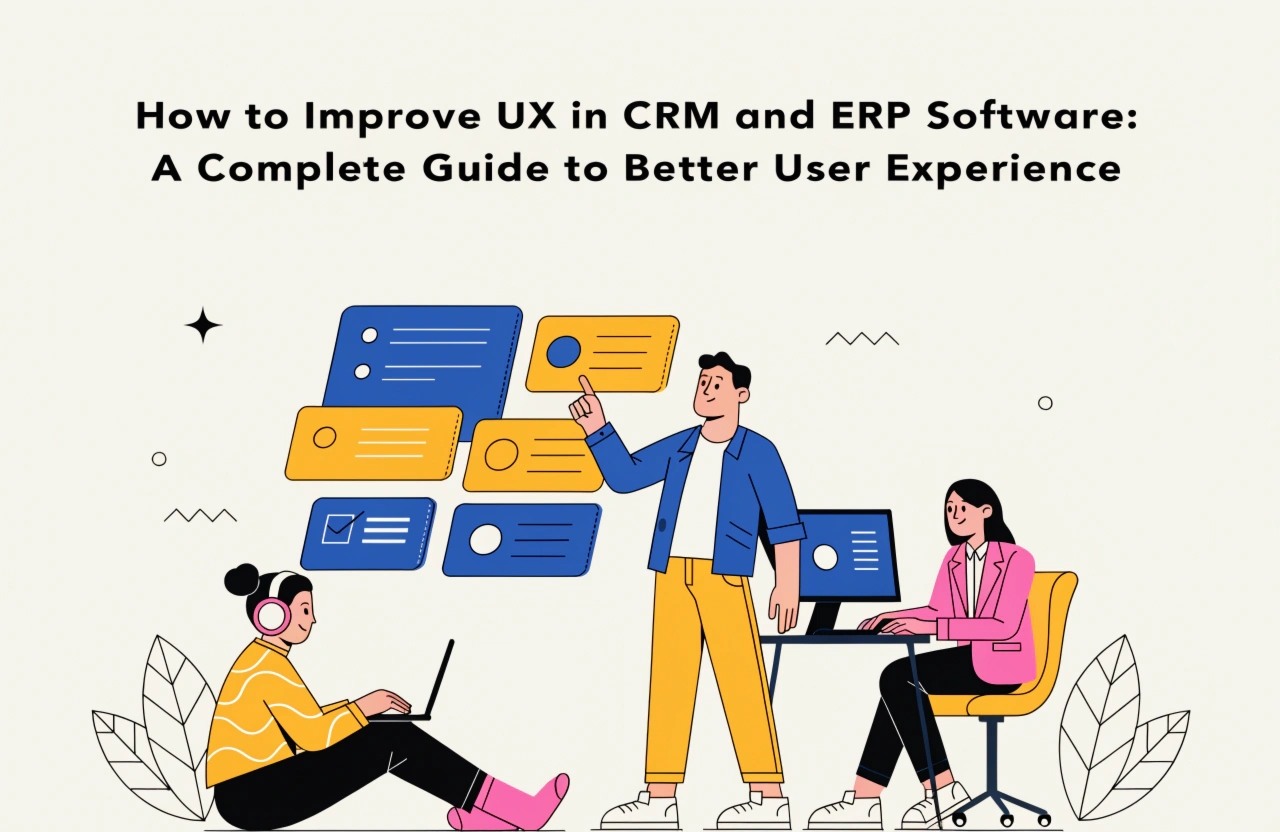
Improve CRM and ERP software UX with intuitive navigation, personalized dashboards, simplified workflows, responsive layouts, and smart automation. Discover practical design strategies that enhance productivity, reduce errors, and make business operations easier.
How to Improve UX in CRM and ERP Software
In today's competitive business environment, CRM (Customer Relationship Management) and ERP (Enterprise Resource Planning) software play an important role in managing daily business operations. CRM systems help businesses manage customer relationships, sales activities, and communication, while ERP platforms streamline operations such as finance, inventory, HR, and project management.
However, even powerful software solutions can become difficult to use when their interfaces are complicated, navigation is confusing, or workflows require too many steps. Poor user experience (UX) can reduce employee productivity, increase training time, and create unnecessary operational challenges.
Improving UX in CRM and ERP software is not just about creating attractive interfaces. It is about making business processes simpler, faster, and more accessible. Here are some practical strategies to improve the user experience of CRM and ERP applications.
1. Simplify Navigation and Interface Design
Navigation is one of the most important elements of CRM and ERP software. Employees frequently switch between different modules, reports, customer records, and business functions. Complicated navigation can make even simple tasks time-consuming.
To improve navigation, organize features into clearly defined categories and use familiar menu structures. Important modules such as dashboards, customer management, sales, inventory, and reports should be easy to access.
Use consistent icons, readable fonts, clear labels, and sufficient spacing throughout the application. Avoid displaying too many options on a single screen.
A simple and organized interface helps users find information quickly and complete tasks with fewer distractions.
2. Create Personalized Dashboards
A dashboard should provide users with relevant information without overwhelming them with unnecessary data.
Different employees have different responsibilities, so displaying identical information to everyone may not be effective.
For example:
- Sales Teams: Customer details, sales targets, leads, and conversion rates.
- HR Teams: Employee records, attendance, recruitment status, and performance information.
- Finance Teams: Revenue, expenses, pending payments, and financial reports.
- Inventory Teams: Stock availability, purchase orders, and inventory alerts.
Allow users to customize dashboard widgets, rearrange important information, and select the metrics they want to monitor.
Personalized dashboards make CRM and ERP systems more relevant to individual users and improve everyday productivity.
3. Simplify Complex Business Workflows
CRM and ERP platforms often involve multiple steps to complete a single business activity. For example, creating a purchase order, updating customer information, or generating an invoice may require navigating through several screens.
Reducing unnecessary steps can significantly improve usability.
Consider implementing:
- Auto-filled forms using existing customer or employee information.
- Quick-action buttons for frequently performed tasks.
- Automated calculations and data validation.
- Predefined templates for repetitive activities.
- Clear progress indicators for multi-step processes.
Workflow automation can also reduce manual work and minimize human errors.
The objective should be to help users complete their daily activities with minimum effort.
4. Ensure Responsive and Mobile-Friendly Design
Modern businesses require access to important information from different devices and locations. Employees may need to check customer details, approve requests, update records, or monitor business performance while away from their desks.
CRM and ERP applications should provide a consistent experience across desktops, tablets, and smartphones.
Use responsive layouts, touch-friendly buttons, readable text, and simplified mobile navigation. Important features should remain accessible without requiring users to zoom or scroll excessively.
For mobile applications, prioritize essential functions instead of simply shrinking the desktop interface.
A responsive design improves accessibility and allows employees to remain productive across different working environments.
5. Improve Search and Filtering Functionality
CRM and ERP systems frequently store large amounts of business information, including customer records, employee details, invoices, transactions, and product information.
Finding specific information in large databases can become frustrating without an effective search system.
Implement intelligent search functionality with filters, sorting options, and relevant suggestions.
For example, users should be able to search customer records using names, email addresses, phone numbers, or company names. Similarly, ERP users should be able to filter invoices by date, payment status, department, or transaction type.
Advanced search capabilities help users locate information quickly and reduce unnecessary navigation.
6. Maintain Consistency Across All Modules
Consistency is essential when designing large business applications. CRM and ERP platforms often contain multiple modules developed for different business functions.
If every module uses different colors, button styles, layouts, or navigation patterns, users may struggle to understand the application.
Develop a consistent design system that includes typography, color palettes, icons, buttons, form elements, spacing, and reusable components.
Maintaining consistent UI patterns makes applications easier to learn and creates a professional experience across all modules.
It also helps development teams maintain and expand the software more efficiently.
7. Focus on Accessibility and User Feedback
Good UX design should support users with different technical abilities and accessibility requirements.
Use sufficient color contrast, keyboard-friendly navigation, descriptive labels, readable typography, and clear error messages.
Additionally, provide immediate feedback whenever users perform important actions.
For example, when an employee submits a leave request, the system should display a confirmation message. If a user enters incorrect information, the application should explain the problem and guide them toward correcting it.
Clear notifications, helpful tooltips, and contextual guidance make software easier to understand and reduce user confusion.
8. Collect User Feedback and Continuously Improve
UX improvement should be an ongoing process rather than a one-time design activity.
Businesses should regularly collect feedback from employees who use CRM and ERP applications in their daily operations.
Conduct usability testing, monitor frequently used features, identify common navigation problems, and analyze where users spend the most time.
Important performance indicators include:
- Task completion time.
- User satisfaction.
- Error frequency.
- Feature adoption rate.
- Training and onboarding time.
Use these insights to identify improvement opportunities and prioritize changes that deliver measurable benefits.
Conclusion
Improving UX in CRM and ERP software requires a combination of thoughtful design, simplified workflows, responsive interfaces, and continuous optimization. From personalized dashboards and intelligent search to accessibility and workflow automation, every improvement can make business applications easier to use.
A well-designed CRM or ERP system does more than manage business information. It helps employees work efficiently, reduces operational complexity, and supports better business decisions.
Businesses planning to develop or upgrade enterprise software should prioritize user experience from the beginning. Partnering with an experienced software development team can help transform complex business requirements into intuitive, scalable, and user-friendly applications.
At DayDreamSoft Infotech LLP, we believe that great software should not only be powerful but also simple to use. By focusing on modern UI/UX practices and business-driven development, organizations can build CRM and ERP solutions that improve productivity and support long-term business growth.
We build scalable web, mobile, and game products for clients worldwide — combining modern frameworks, cloud infrastructure, and best engineering practices.
.jpg)