Introduction
Modern Kotlin applications demand high reliability, maintainability, and performance. Whether you're developing Android applications or JVM-based backend services, testing plays a crucial role in ensuring software quality. Manual testing alone cannot keep pace with today's rapid development cycles, making automated unit testing an essential practice.
Two of the most powerful tools for Kotlin testing are JUnit 5 and MockK. JUnit 5 provides a modern framework for writing and executing test cases, while MockK offers Kotlin-first mocking capabilities that simplify testing complex dependencies.
Let's explore how these technologies help developers build robust applications with confidence.
Why Unit Testing Matters
Unit testing verifies individual components or functions independently. Instead of testing an entire application, developers validate small units of code to ensure they behave correctly.
Benefits include:
- Early detection of bugs
- Easier code refactoring
- Improved application stability
- Better documentation through test cases
- Reduced debugging time
- Increased developer confidence
- Faster software delivery
For agile teams practicing continuous integration, automated testing becomes an indispensable part of the development workflow.
Setting Up JUnit 5 in Kotlin
Adding JUnit 5 to a Gradle Kotlin project is straightforward.
Example dependency:
testImplementation("org.junit.jupiter:junit-jupiter:5.x.x")
A simple unit test:
import org.junit.jupiter.api.Test
import kotlin.test.assertEquals
class CalculatorTest {
@Test
fun additionShouldReturnCorrectValue() {
assertEquals(10, 5 + 5)
}
}
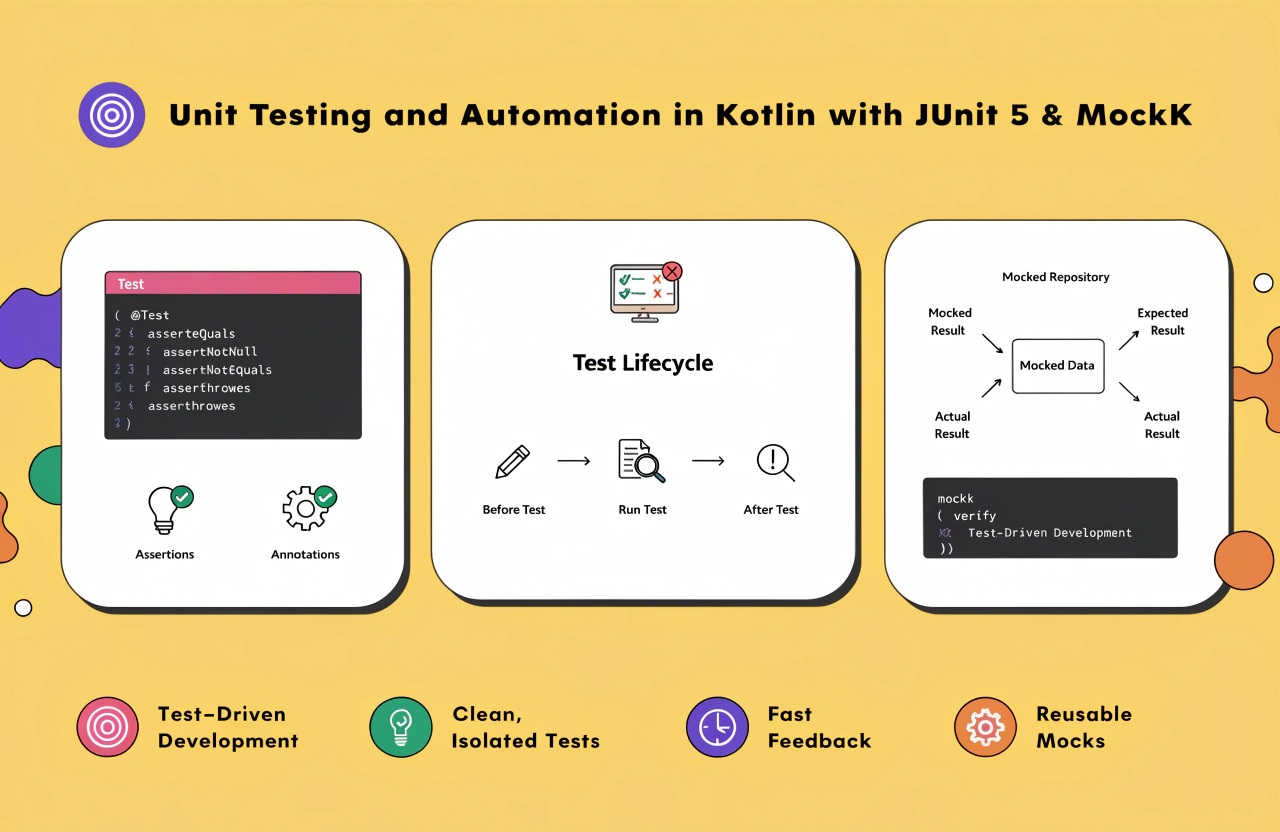
JUnit 5 introduces powerful annotations such as:
- @Test
- @BeforeEach
- @AfterEach
- @BeforeAll
- @AfterAll
- @DisplayName
- @Nested
- @ParameterizedTest
These features make tests more organized and readable.
Why Use MockK?
Applications rarely work in isolation. Services often communicate with databases, APIs, repositories, or external services.
MockK allows developers to replace real dependencies with mock objects.
Advantages include:
- Kotlin-native support
- Coroutine testing support
- Mock final classes
- Extension function mocking
- Static function mocking
- Cleaner syntax compared to many Java-based alternatives
Dependency:
testImplementation("io.mockk:mockk:latest")
Creating Mock Objects
Suppose a service depends on a repository.
class UserService(
private val repository: UserRepository
)
Instead of connecting to a real database, MockK creates a fake repository.
val repository = mockk<UserRepository>()
every {
repository.getUser(1)
} returns User("John")
Now the service can be tested independently.
Verification is equally simple:
verify {
repository.getUser(1)
}
This confirms that the expected method was called.
Testing Coroutines
Kotlin applications frequently use coroutines for asynchronous operations.
MockK provides excellent coroutine support.
Example:
coEvery {
repository.fetchUsers()
} returns users
Verification:
coVerify {
repository.fetchUsers()
}
Using coroutine-specific testing utilities ensures asynchronous code behaves predictably without introducing timing issues.
Best Practices for Kotlin Unit Testing
To maximize testing effectiveness, consider these recommendations:
Write Small Tests
Each test should verify one specific behavior.
Follow AAA Pattern
Arrange
Act
Assert
This improves readability and maintenance.
Use Meaningful Test Names
Instead of:
test1()
Prefer:
shouldReturnEmptyListWhenDatabaseIsEmpty()
Clear names explain exactly what the test validates.
Avoid Testing Implementation Details
Focus on behavior rather than internal implementation. This keeps tests stable during refactoring.
Keep Tests Independent
Tests should never depend on execution order.
Automating Tests with CI/CD
Automation becomes even more valuable when integrated into Continuous Integration pipelines.
Popular CI platforms include:
- GitHub Actions
- GitLab CI
- Jenkins
- Azure DevOps
- Bitbucket Pipelines
A typical pipeline performs:
- Pull latest code
- Build project
- Run unit tests
- Generate code coverage reports
- Deploy only if tests pass
This prevents faulty code from reaching production.
Measuring Code Coverage
Testing tools can measure how much code is exercised during execution.
Popular coverage tools include:
- JaCoCo
- Kover (Kotlin-specific)
Coverage reports help identify untested areas, though developers should prioritize meaningful test quality over achieving 100% coverage.
Common Testing Mistakes
Developers should avoid these common pitfalls:
- Writing overly complex tests
- Testing multiple behaviors in one test
- Excessive mocking
- Ignoring failed tests
- Poorly named test methods
- Skipping edge cases
- Not automating test execution
Keeping tests simple and focused improves long-term maintainability.
Benefits for Android Development
Android developers particularly benefit from JUnit 5 and MockK because they can:
- Test ViewModels
- Validate Repository logic
- Mock Retrofit services
- Test Room database interactions
- Verify Dependency Injection behavior
- Improve MVVM architecture testing
Fast-running unit tests provide immediate feedback during development.
Conclusion
Unit testing is no longer optional for modern Kotlin development. By combining JUnit 5's powerful testing framework with MockK's Kotlin-first mocking capabilities, developers can create reliable, maintainable, and scalable applications.
Automated testing reduces bugs, accelerates development, simplifies refactoring, and strengthens deployment confidence. Whether you're building Android applications or backend services, investing in comprehensive unit testing leads to higher software quality, improved developer productivity, and a smoother CI/CD workflow.