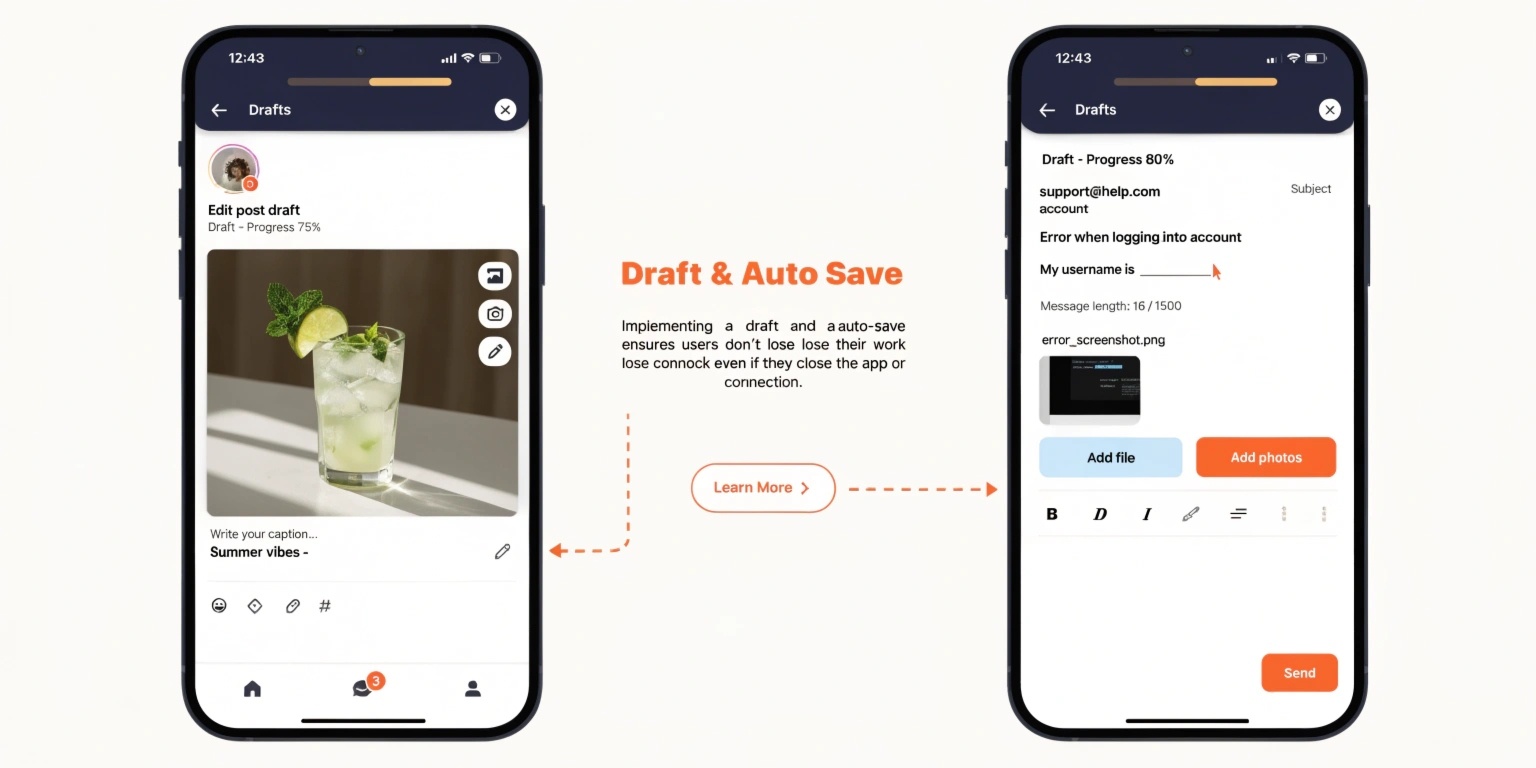
Draft and auto-save features prevent data loss and improve UX. This blog explains how to build them like Instagram and Gmail using frontend triggers, backend storage, and smart syncing strategies.
In today’s digital world, users expect applications to be smart, responsive, and forgiving. One of the most appreciated features in modern apps is auto-save and draft functionality, popularized by platforms like Instagram and Gmail. These features ensure that users never lose their progress—even if they accidentally close the app, lose internet connectivity, or switch devices.
In this blog, we’ll explore how to implement a robust draft and auto-save system.
Why Draft & Auto-Save Features Matter
Imagine writing a long email or caption, and suddenly your browser crashes. Without auto-save, all your work is lost. This leads to frustration and poor user experience.
Auto-save and drafts solve this by:
- Preventing data loss
- Improving user trust
- Enhancing user experience
- Allowing multi-device continuity
Key Concepts Behind Auto-Save Systems
To build an effective draft system, you need to understand three core components:
1. Trigger Mechanism
Auto-save should not happen randomly. It is typically triggered by:
- Time intervals (e.g., every 5–10 seconds)
- User actions (e.g., typing, pausing)
- Field changes (onChange events)
2. Storage Layer
Drafts can be stored in:
- Local Storage / Session Storage (for temporary saving)
- Backend Database (for persistent and cross-device access)
3. Sync Strategy
Efficient syncing ensures data consistency between frontend and backend:
- Debouncing API calls to avoid overload
- Saving only changed data (delta updates)
- Conflict resolution for multiple devices
Frontend Implementation
On the frontend, the goal is to detect changes and store data efficiently.
Example Approach:
- Capture input changes using event listeners
- Use a debounce function (e.g., 500–1000ms delay)
- Store data in local storage immediately
- Send updates to the server in the background
const saveDraft = debounce((data) => {
localStorage.setItem("draft", JSON.stringify(data));
fetch("/api/save-draft", {
method: "POST",
body: JSON.stringify(data),
headers: { "Content-Type": "application/json" }
});
}, 800);
This ensures smooth performance without overwhelming the backend.
Backend Implementation
On the server side, drafts must be stored reliably and updated frequently.
Key Considerations:
- Use a dedicated “drafts” table or collection
- Include fields like:
- user_id
- content
- last_updated
- Allow partial updates
Example API:
- POST /save-draft → Save or update draft
- GET /draft → Retrieve saved draft
- DELETE /draft → Remove draft after submission
Handling Offline Mode
A good auto-save system should work even without internet connectivity.
Strategy:
- Store all changes in local storage
- Maintain a sync queue
- Once online, push updates to the server
This ensures users never lose progress, even in unstable networks.
Conflict Resolution
What happens if a user edits the same draft on two devices?
Solutions include:
- Last write wins (simplest approach)
- Versioning system (track changes with timestamps)
- Merge strategies (advanced, like collaborative editing)
Best Practices
To build a high-quality draft system, follow these best practices:
- Use Debouncing: Prevent excessive API calls
- Show Save Status: Display messages like “Saving…” or “Saved”
- Encrypt Sensitive Data: Especially for emails or private content
- Limit Draft Storage: Avoid clutter by auto-deleting old drafts
- Test Edge Cases: Network failures, app crashes, tab closures
Real-World Flow (Like Instagram & Gmail)
- User starts typing
- Data is instantly saved locally
- After a short delay, data is sent to the server
- Draft is updated continuously
- If the app closes, draft is restored on reopening
- Once submitted, the draft is deleted
This seamless experience is what users expect today.
Common Mistakes to Avoid
- Saving too frequently (causes performance issues)
- Not handling offline scenarios
- Ignoring data conflicts
- Not providing user feedback
- Storing drafts only locally (risk of data loss across devices)
Conclusion
Implementing draft and auto-save functionality is no longer optional—it’s a necessity for modern applications. By combining smart frontend triggers, efficient backend storage, and reliable syncing strategies, you can deliver a seamless and frustration-free experience.
Whether you’re building a messaging app, email client, or content platform, investing in auto-save features will significantly improve user satisfaction and retention.
We build scalable web, mobile, and game products for clients worldwide — combining modern frameworks, cloud infrastructure, and best engineering practices.
.jpg)
.jpg)