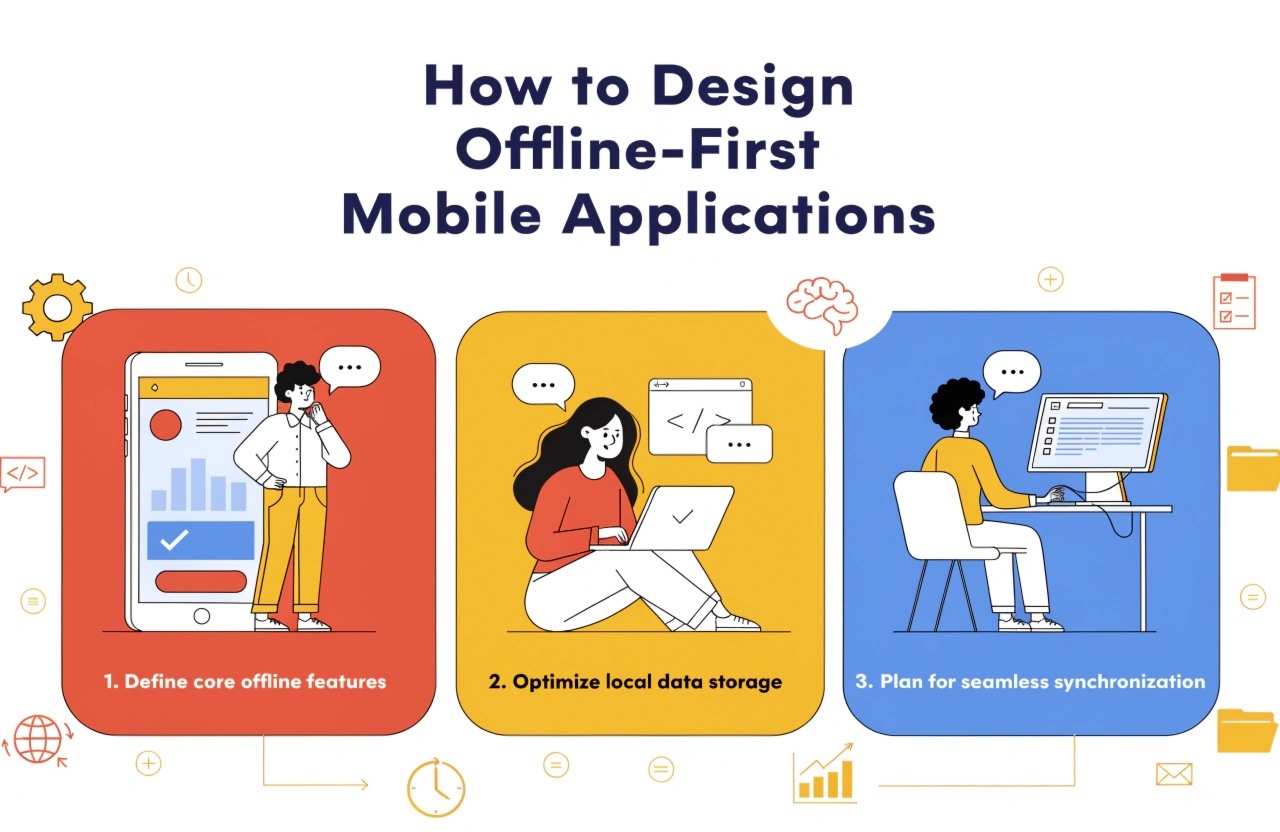
Discover how to build offline-first mobile applications using local storage, intelligent caching, reliable synchronization, and conflict resolution to deliver seamless user experiences even without an internet connection.
Introduction
Mobile applications are expected to work smoothly wherever users go. However, internet connectivity is not always reliable. Users may experience weak network signals while travelling, working in remote locations, entering buildings, or using applications in areas with limited connectivity. When an application depends entirely on a server, even a temporary network failure can interrupt important activities and frustrate users.
This is where offline-first mobile application development becomes valuable. Instead of treating offline access as an additional feature, offline-first architecture makes local data access a fundamental part of the application. Users can continue performing supported tasks without an internet connection, while the application synchronizes changes when connectivity returns.
For businesses investing in mobile app development, this approach can improve usability, reliability, and customer satisfaction.
1. Understand the Offline-First Approach
An offline-first application prioritizes locally available data instead of requiring every screen or action to communicate with a remote server.
In a traditional application, a user might need an internet connection to open a dashboard, view previously accessed information, or submit a form. In an offline-first application, the device stores the necessary information locally, allowing supported features to remain accessible.
For example, a field service application can allow technicians to view assigned jobs, update task statuses, record notes, and capture photographs while visiting locations without reliable connectivity. Once the device reconnects, the application synchronizes the saved information with the backend.
Before development begins, identify which features must work offline, which require a connection, and which can operate with limited functionality. This assessment helps establish realistic requirements and prevents unnecessary complexity.
2. Choose the Right Local Storage Solution
Local storage is the foundation of offline-first architecture. It enables applications to retain essential information on the device and retrieve it without contacting a remote server.
The appropriate storage solution depends on the application's data structure, security requirements, and technology stack.
Common options include:
- SQLite: A lightweight relational database suitable for structured records, transactions, and complex queries.
- Room: An abstraction layer over SQLite for Android applications built with Kotlin or Java.
- Core Data: An Apple framework for managing and persisting structured application data.
- Hive or Isar: Local storage options that developers may consider for Flutter applications, depending on current compatibility and project requirements.
- IndexedDB: A browser storage technology that can support offline capabilities in progressive web applications.
Developers should store only the data required for offline operations. Sensitive information must receive appropriate protection through secure storage practices, encryption where necessary, and access controls.
A well-designed local database also needs a clear data model, suitable indexes, migration strategies, and mechanisms for handling outdated records.
3. Design a Reliable Data Synchronization Strategy
Storing information locally is only one part of the process. The application must also keep local data and server data consistent.
A reliable synchronization strategy determines when changes are uploaded, when updated server information is downloaded, and how failed operations are retried.
A practical approach includes the following steps:
- Save the user's changes to the local database immediately.
- Mark modified records as pending synchronization.
- Detect network availability and synchronization opportunities.
- Upload pending changes to the backend.
- Process server responses and download relevant updates.
- Mark successfully synchronized records as complete.
Synchronization should be resilient to interruptions. If a request fails halfway through, the application should preserve local changes and retry safely when appropriate.
Use background synchronization where supported by the operating system, while recognizing that background execution can be restricted by battery-saving policies, permissions, and platform scheduling.
The backend should also support idempotent operations where appropriate, preventing repeated requests from creating duplicate records.
4. Handle Data Conflicts Carefully
Conflicts occur when the same information changes in multiple places before synchronization completes.
For example, a sales representative may update a customer's phone number offline while another employee updates the same record through a web dashboard. When both changes reach the server, the system must determine how to resolve the differences.
Possible conflict-resolution strategies include:
- Last-write-wins: The most recent accepted update takes priority, provided timestamps and ordering are handled appropriately.
- Field-level merging: Independent changes to different fields are combined.
- Manual resolution: Users review conflicting values and select the correct information.
- Business-rule-based resolution: The application follows rules specific to the data, such as prioritizing approved financial transactions or verified customer details.
Not every record should use the same strategy. For collaborative applications, financial systems, inventory tools, and healthcare workflows, careless conflict resolution can lead to serious data inconsistencies.
Developers should also account for deleted records, concurrent updates, duplicate submissions, and server-side validation failures.
5. Create a Clear Offline User Experience
An offline-first application should communicate its current state without making users guess whether their actions were successful.
Display useful indicators such as "Offline," "Saved on device," "Sync pending," and "Last synchronized." These messages help users understand what is happening and whether their changes have reached the server.
When users submit forms offline, provide immediate confirmation that the information has been stored locally. Avoid displaying a successful server submission message until the backend has actually confirmed it.
Applications should also distinguish between features that remain available offline and those that require an internet connection. For example, viewing previously downloaded documents may work offline, while real-time payment verification may require connectivity.
Good offline interface design should include loading states, retry options, clear error messages, and accessible synchronization status indicators.
6. Optimize Caching and Application Performance
Caching helps reduce repeated network requests and improves responsiveness. However, developers must decide what to cache, how long information should remain valid, and when it should be refreshed.
Frequently accessed information, user preferences, reference data, and recently viewed records may be suitable for local caching.
A useful caching strategy considers:
- Data size and available device storage.
- Cache expiration and refresh policies.
- Whether information can become outdated.
- How users can refresh or remove stored content.
- Battery usage and mobile data consumption.
Applications should avoid downloading large datasets unnecessarily. Pagination, incremental synchronization, compression, and change tracking can reduce bandwidth consumption.
For offline-first applications that handle maps, photographs, or documents, developers should consider selective downloads and storage limits to prevent excessive device storage usage.
7. Test Realistic Offline Scenarios
Offline functionality requires more than testing an application in airplane mode. Developers should evaluate different network conditions and synchronization failures.
Important scenarios include losing connectivity while submitting a form, switching between Wi-Fi and mobile data, restarting the application before synchronization, running out of storage, receiving duplicate requests, and resolving simultaneous edits.
Testing should also cover authentication expiration, application updates, database migrations, and interrupted background tasks.
Automated tests can validate local database operations, synchronization queues, retry behavior, and conflict-resolution rules. Integration testing should verify that the client and backend handle repeated requests and partial failures correctly.
Security testing is equally important. Offline data can remain on a device for extended periods, so applications should enforce appropriate access controls, protect sensitive records, and remove data when required by the application's security and retention policies.
Conclusion
Designing offline-first mobile applications requires careful planning across architecture, storage, synchronization, interface design, performance, and testing. By treating local data access as a core capability, developers can build applications that remain useful when connectivity is unreliable.
The most effective strategy combines a well-structured local database, resilient synchronization, appropriate conflict resolution, clear offline indicators, and thorough real-world testing.
For businesses, offline-first development can improve operational continuity and user satisfaction. Whether building a field service platform, an inventory management tool, an educational application, or a productivity app, investing in offline capabilities helps deliver a more dependable mobile experience.
As mobile applications continue to support increasingly important business operations, offline-first architecture remains a practical approach to creating resilient, user-focused digital products.
We build scalable web, mobile, and game products for clients worldwide — combining modern frameworks, cloud infrastructure, and best engineering practices.
.jpg)
.jpg)