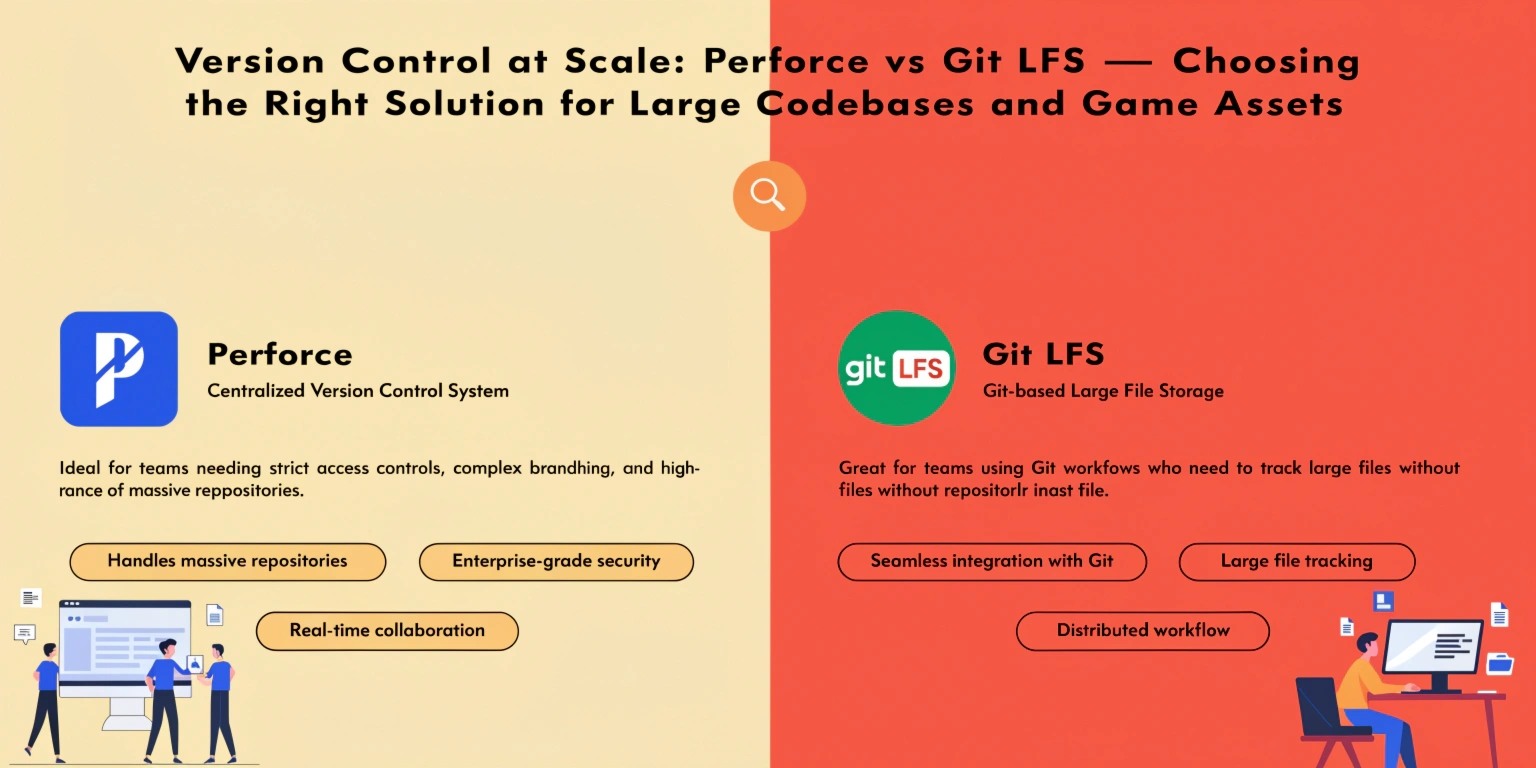
Perforce and Git LFS solve large-file version control differently. Perforce is designed around centralized management of large binary assets, while Git LFS extends Git for handling large files. Choosing between them depends on team size, asset volume, workflow, infrastructure, and collaboration requirements.
Modern software development increasingly involves more than source code. Game studios manage high-resolution textures, 3D models, audio files, animations, cinematics, and engine assets. Software companies may work with machine-learning datasets, design files, media resources, generated binaries, and other large files. As these assets grow, traditional Git workflows can become difficult to manage efficiently.
Two commonly considered approaches for large-scale version control are Perforce Helix Core and Git Large File Storage (Git LFS). Although both can manage large files, their architectures and workflows are significantly different.
Understanding Perforce
Perforce, commonly associated with Helix Core, is a centralized version control platform designed for large development environments. It is widely used in game development, where repositories can contain enormous collections of binary assets.
Instead of requiring every developer to maintain a complete copy of repository history, Perforce uses a centralized server model. Developers can sync only the files or revisions they need.
This approach can be particularly useful for projects containing terabytes of assets. A game artist, for example, may need specific textures, character models, or animation files without downloading the entire project.
Perforce also provides strong file-locking capabilities. Binary files that cannot be merged easily can be locked while someone is editing them. This helps prevent conflicts involving assets such as Photoshop files, 3D models, audio projects, and proprietary game-development formats.
Understanding Git LFS
Git is a distributed version control system where developers traditionally clone repository history locally. While this works extremely well for source code, storing large binary files directly inside Git repositories can cause repository growth and performance problems.
Git LFS addresses this limitation by replacing large files in Git with lightweight pointer files. The actual binary content is stored separately in LFS storage.
When developers check out a project, Git retrieves the required large files from the LFS server.
This allows teams to continue using familiar Git workflows, including branches, pull requests, merges, tags, and distributed development, while moving large binary objects outside the normal Git object database.
Repository Size and Storage
Storage architecture is one of the most important differences.
With Git LFS, large files are stored separately, but the project still depends on Git repositories and LFS infrastructure. Teams must plan storage capacity, bandwidth, backup policies, and LFS quotas.
Perforce is designed with large repositories and binary assets in mind. Its centralized architecture allows organizations to control where large assets are stored and how users access them.
For extremely large asset-heavy projects, centralized storage can simplify repository management because developers do not necessarily need every asset and every historical revision locally.
Performance at Scale
Performance depends heavily on repository structure, network conditions, file sizes, and workflow.
Git performs exceptionally well for source-code workflows, particularly when developers frequently create branches and work independently. Git LFS improves Git's handling of large files but introduces additional storage and network operations when downloading LFS objects.
Perforce can perform efficiently with extremely large projects because users can selectively sync required files. This makes it attractive for game studios and other teams where repositories contain huge numbers of binary assets.
Branching and Collaboration
Git is known for its flexible branching model. Developers can create local branches, experiment, merge changes, and work offline before pushing their work to a shared repository.
Git LFS integrates naturally into this workflow.
Perforce also supports branching, but its centralized architecture creates a different collaboration model. Teams commonly work against a central depot, and administrators can establish detailed workspace and access rules.
For distributed software teams already standardized on GitHub, GitLab, Bitbucket, or similar Git-based platforms, Git LFS can provide a smoother extension to existing workflows.
Binary File Locking
Binary collaboration is one area where Perforce has a major practical advantage.
Many binary files cannot be meaningfully merged. Two artists editing the same 3D model simultaneously can easily overwrite each other's work.
Perforce's locking mechanisms allow teams to reserve files while working on them.
Git LFS also supports file locking, but the overall experience depends on the Git hosting and tooling ecosystem being used.
Game Development Considerations
Game development is a particularly demanding version-control environment. A single project may contain source code alongside thousands of large textures, meshes, animations, audio files, shaders, cinematic assets, and engine-generated files.
Perforce is commonly selected for large game projects because centralized selective synchronization, file locking, and large binary asset management fit these workflows well.
Git LFS can be attractive to smaller studios and teams that already use Git extensively and want to keep their existing developer tooling.
CI/CD and Automation
Git LFS works naturally with Git-based CI/CD systems, but build pipelines must be configured correctly to retrieve required LFS objects. Incorrect LFS configuration can result in pointer files being downloaded instead of actual assets.
Perforce can also integrate with automated build systems, continuous integration, and deployment workflows. Teams need to configure workspaces and synchronization rules carefully so build machines receive all required dependencies.
Which One Should Teams Choose?
There is no universal solution.
Git LFS can be appropriate when a team:
- Already uses Git extensively.
- Needs familiar Git branching and pull-request workflows.
- Has a moderate amount of large files.
- Works with distributed development teams.
- Wants Git-based developer tooling.
Perforce can be appropriate when a team:
- Manages extremely large repositories.
- Works heavily with binary assets.
- Requires centralized control.
- Needs robust asset locking.
- Has large game-development or media-production workflows.
- Needs selective synchronization of massive projects.
Ultimately, version control at scale is not simply about choosing a tool that stores large files. Organizations must consider repository architecture, developer workflows, asset size, network bandwidth, storage costs, security, backup requirements, CI/CD integration, and team collaboration.
For source-code-heavy projects, Git remains a powerful foundation, and Git LFS can extend it effectively for large files. For massive asset-heavy environments where centralized control and selective synchronization are critical, Perforce can provide an architecture better aligned with those requirements.
The right choice should therefore be based on the project's scale, asset characteristics, team workflow, infrastructure, and long-term development strategy, rather than repository size alone.
We build scalable web, mobile, and game products for clients worldwide — combining modern frameworks, cloud infrastructure, and best engineering practices.
.jpg)
.jpg)
.jpg)