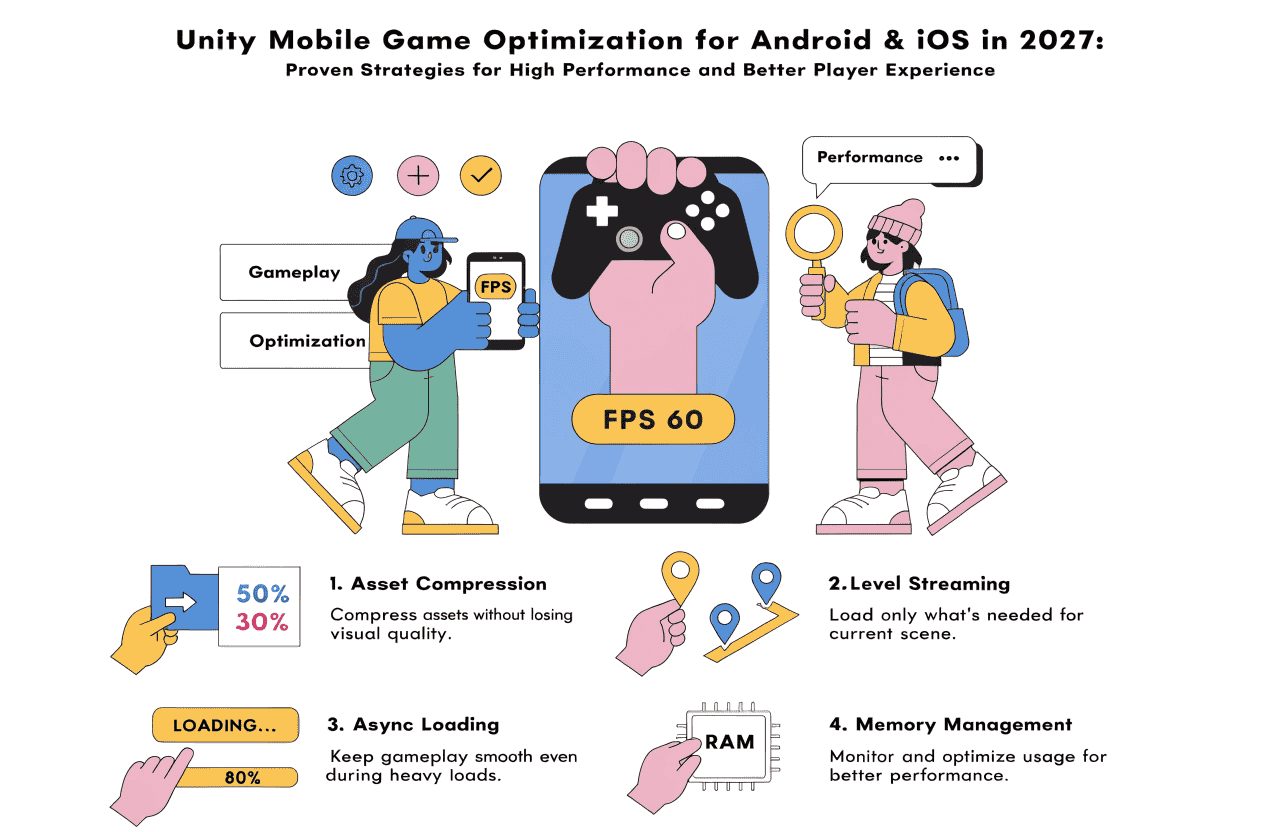
Unity Mobile Game Optimization for Android & iOS in 2027
The mobile gaming industry continues to dominate the global gaming market, with Android and iOS devices becoming more powerful every year. However, hardware fragmentation, battery limitations, thermal throttling, and varying GPU capabilities still make optimization one of the biggest challenges for Unity developers.
In 2027, players expect high-quality graphics without sacrificing performance. A game that frequently drops frames, overheats devices, or drains battery quickly is unlikely to retain users regardless of its gameplay.
Unity provides numerous built-in tools and optimization features that enable developers to build visually stunning games while maintaining excellent performance across a wide range of devices.
Why Mobile Optimization Matters
Optimized games provide several business and technical benefits:
- Higher frame rates
- Better user retention
- Lower battery consumption
- Reduced device overheating
- Faster loading times
- Improved App Store and Google Play ratings
- Higher revenue through longer player sessions
Performance is no longer just a technical requirement—it directly impacts business success.
Profile Before You Optimize
Optimization should always begin with accurate performance analysis.
Unity's Profiler helps developers identify:
- CPU bottlenecks
- GPU usage
- Memory allocations
- Physics overhead
- Rendering performance
- Audio processing
- UI rendering costs
Rather than guessing, developers should optimize only the components consuming excessive resources.
Optimize Graphics Rendering
Graphics remain the largest performance cost in most mobile games.
Best practices include:
- Reduce draw calls
- Use texture atlases
- Enable GPU instancing
- Batch static objects
- Minimize transparent materials
- Limit real-time shadows
- Reduce overdraw
- Optimize particle systems
The Universal Render Pipeline (URP) continues to be the preferred rendering solution for mobile Unity projects due to its lightweight architecture and superior performance.
Improve CPU Performance
Complex game logic can easily overload mobile processors.
Developers should:
- Avoid unnecessary Update() calls
- Replace polling with event-driven systems
- Cache component references
- Use object pooling
- Simplify AI calculations
- Spread expensive tasks across multiple frames
Modern Unity versions also provide improved multithreading support that helps distribute workloads efficiently.
Reduce Memory Usage
Memory optimization prevents crashes, freezes, and long loading times.
Effective strategies include:
- Compress textures
- Remove unused assets
- Stream large content
- Use Addressables
- Optimize audio formats
- Limit runtime allocations
- Avoid memory leaks
Lower memory usage leads to smoother gameplay on entry-level Android devices.
Optimize Assets
High-resolution assets consume excessive storage and memory.
Developers should optimize:
Textures
- ASTC compression
- ETC2 compression
- Appropriate texture sizes
- Texture atlases
Models
- Reduce polygon count
- Remove hidden geometry
- Optimize rigging
- Compress meshes
Animations
- Compress animation clips
- Reduce unnecessary bones
- Limit animation layers
Every optimized asset contributes to overall game performance.
Physics Optimization
Physics calculations can significantly impact CPU usage.
Recommendations include:
- Reduce physics update frequency
- Use primitive colliders
- Disable unnecessary Rigidbody components
- Limit collision checks
- Optimize raycasts
Games with numerous dynamic objects benefit greatly from careful physics optimization.
UI Optimization
Complex user interfaces often become hidden performance bottlenecks.
Improve UI performance by:
- Splitting canvases
- Minimizing layout rebuilds
- Avoiding nested layouts
- Reusing UI elements
- Limiting animated UI components
Smooth interfaces contribute to a polished player experience.
Battery Optimization
Battery efficiency has become increasingly important in 2027.
Developers should:
- Limit unnecessary background processing
- Reduce GPU-intensive effects
- Lower frame rates during menus
- Pause inactive systems
- Optimize networking
- Avoid excessive polling
Battery-friendly games encourage longer play sessions.
Optimize Loading Times
Players expect games to launch quickly.
Strategies include:
- Asynchronous scene loading
- Asset streaming
- Addressables
- Splash screen optimization
- Lazy loading
- Background asset initialization
Fast loading improves player retention from the very first session.
Android-Specific Optimization
Android presents unique challenges due to device fragmentation.
Best practices include:
- Test on low-end devices
- Optimize for different GPU vendors
- Scale graphics settings dynamically
- Support multiple resolutions
- Reduce APK size
- Optimize Vulkan and OpenGL rendering paths
Adaptive performance ensures consistent gameplay across thousands of Android devices.
IOS-Specific Optimization
Apple's ecosystem offers more consistent hardware but still requires optimization.
Recommendations include:
- Optimize Metal rendering
- Support ProMotion displays
- Reduce memory spikes
- Minimize app launch time
- Optimize for different iPhone and iPad models
Taking advantage of Apple's hardware capabilities results in smoother gameplay and better battery performance.
AI-Powered Optimization in 2027
Artificial Intelligence is becoming an integral part of game optimization.
Modern AI tools help developers:
- Detect performance bottlenecks
- Automatically compress assets
- Recommend graphics settings
- Predict memory issues
- Analyze gameplay performance
- Optimize rendering pipelines
AI-assisted optimization reduces development time while improving overall game quality.
Continuous Performance Testing
Optimization is an ongoing process.
Successful studios continuously test:
- FPS stability
- Memory usage
- Battery drain
- Thermal performance
- Device compatibility
- Network performance
- Loading speed
Regular testing ensures updates do not introduce new performance issues.
Conclusion
Unity remains one of the most powerful game development platforms in 2027, but achieving exceptional performance requires careful planning and continuous optimization. By focusing on graphics rendering, CPU efficiency, memory management, asset optimization, battery consumption, and platform-specific improvements, developers can deliver immersive mobile gaming experiences on both Android and iOS.
As player expectations continue to rise, optimization is no longer an optional development phase—it is a core strategy for creating successful mobile games. Developers who prioritize performance throughout the development lifecycle will build games that not only look impressive but also run smoothly across a wide range of devices, leading to higher engagement, better reviews, and long-term commercial success.