Understand how Upwork Connects and bidding work to win more projects. Learn smart bidding strategies, cost optimization, and proposal tips to maximize ROI and grow your freelancing or IT business.
For freelancers and IT companies looking to secure global clients, Upwork is one of the most powerful platforms available. However, success on Upwork isn’t just about skills—it’s about understanding its Connects and bidding system.
Many beginners waste Connects without landing projects, while experienced professionals use smart strategies to maximize ROI. This guide will help you understand how the system works and how to use it effectively.
What Are Upwork Connects?
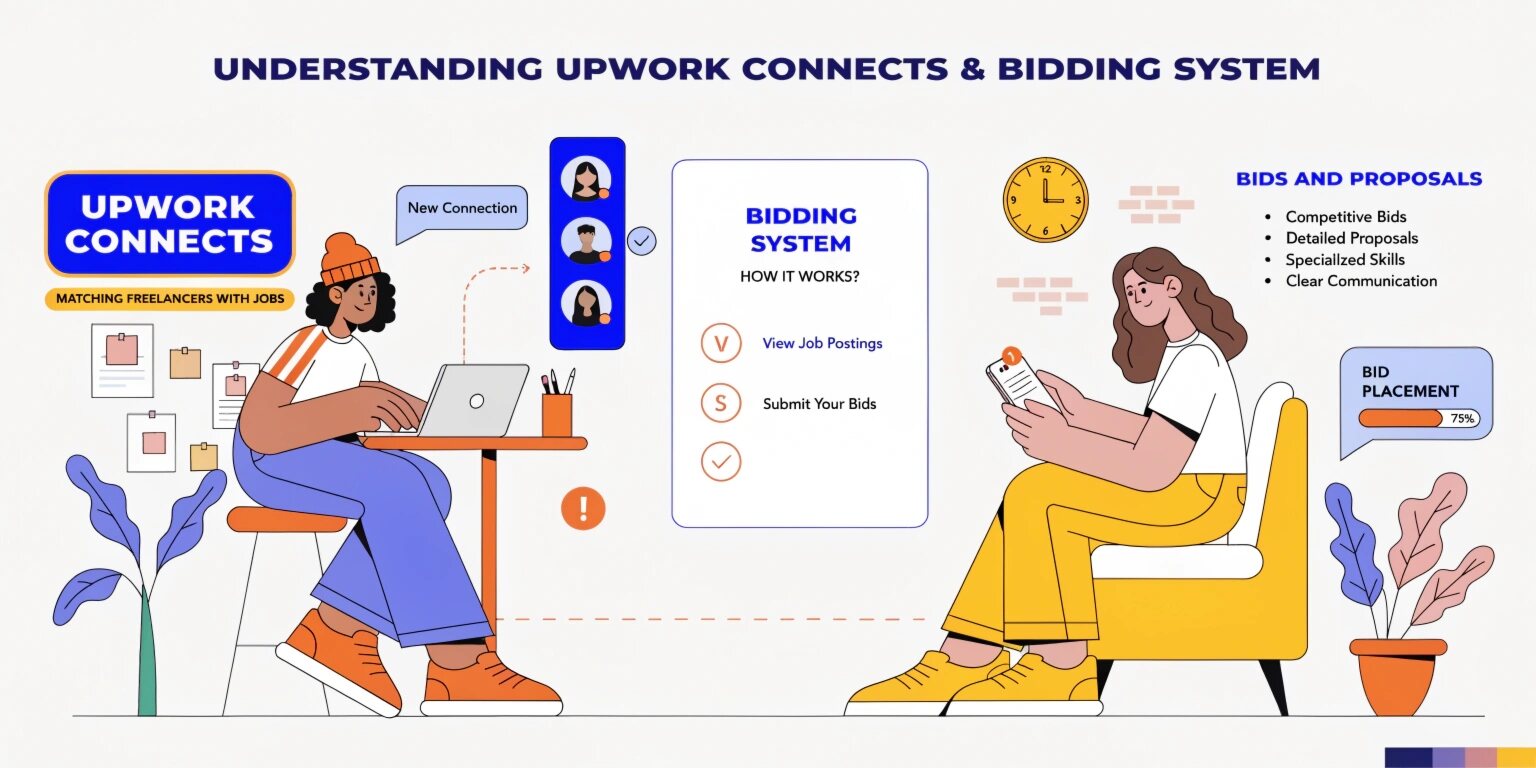
Connects are virtual tokens used to submit proposals for jobs on Upwork. Every job application requires a certain number of Connects, depending on the project’s complexity and budget.
Key Points About Connects
- Each job requires 2 to 16 Connects (sometimes more for high-value jobs)
- Freelancers receive a limited number of free Connects monthly
- Additional Connects can be purchased
- Connects are deducted whether you win the job or not
Think of Connects as an investment—not an expense.
How the Upwork Bidding System Works
When you apply for a job, you submit a proposal along with your bid. This includes:
- Your pricing (hourly or fixed)
- A personalized proposal
- Estimated timeline
- Optional boosted bid (extra Connects)
Clients receive multiple proposals and choose based on quality, pricing, and relevance—not just the lowest bid.
Boosting Proposals: Is It Worth It?
Upwork allows freelancers to boost proposals by spending extra Connects to appear at the top of the client’s list.
Benefits of Boosting
- Higher visibility
- Increased chances of being noticed
- Competitive advantage in crowded categories
When to Use It
- High-value projects
- Jobs with many applicants
- When your profile is strong and optimized
However, boosting blindly can waste Connects. Use it strategically.
Smart Bidding Strategies
1. Apply Selectively
Don’t apply to every job. Focus on:
- Jobs matching your expertise
- Clients with verified payment methods
- Clear project descriptions
2. Write Personalized Proposals
Avoid copy-paste proposals. Instead:
- Address the client’s problem directly
- Show relevant experience
- Offer a quick solution or idea
3. Bid Smartly (Not Cheaply)
Low bids don’t always win. Instead:
- Price based on value, not competition
- Maintain a balance between competitiveness and profitability
4. Track Your ROI
Measure:
- Connects spent vs jobs won
- Conversion rate of proposals
- Average earning per project
This helps optimize your bidding strategy.
Common Mistakes to Avoid
- Applying to irrelevant jobs
- Using generic proposals
- Overusing boosted bids
- Ignoring client history
- Underpricing services
These mistakes can drain Connects without generating results.
How IT Companies Can Use Upwork Effectively
For IT companies, Upwork is not just a freelancing platform—it’s a lead generation channel.
1. Dedicated BDE Strategy
Assign a Business Development Executive (BDE) to:
- Identify quality leads
- Write proposals
- Track performance
2. Build a Strong Profile
- Showcase portfolio and case studies
- Highlight team expertise
- Maintain high client ratings
3. Focus on Long-Term Clients
Instead of one-time projects, aim for:
- Retainer contracts
- Ongoing development work
- Maintenance services
This improves ROI on Connects.
Cost Optimization Tips
- Avoid bidding on low-budget projects
- Reuse proposal frameworks (but personalize them)
- Invest more Connects in high-value opportunities
- Monitor which types of jobs convert best
Real Example Strategy
Let’s say your IT company specializes in web development:
- Apply to 5–10 high-quality jobs daily
- Spend Connects on projects worth $500+
- Use boosting only for top-priority jobs
- Track responses and refine proposals weekly
This structured approach increases success rate while minimizing wasted Connects.
Why Understanding the System Matters
Without strategy, Connects become a cost. With strategy, they become an investment tool that generates leads, clients, and long-term revenue.
Freelancers who understand bidding psychology and client behavior consistently outperform others—even with fewer Connects.
Conclusion
The Upwork Connects and bidding system is designed to reward quality, strategy, and consistency. Whether you’re a freelancer or an IT company, success depends on how well you:
- Choose the right projects
- Craft compelling proposals
- Manage your Connects efficiently
By applying smart bidding techniques and focusing on high-value opportunities, you can turn Upwork into a powerful growth channel for your business.
We build scalable web, mobile, and game products for clients worldwide — combining modern frameworks, cloud infrastructure, and best engineering practices.
.jpg)