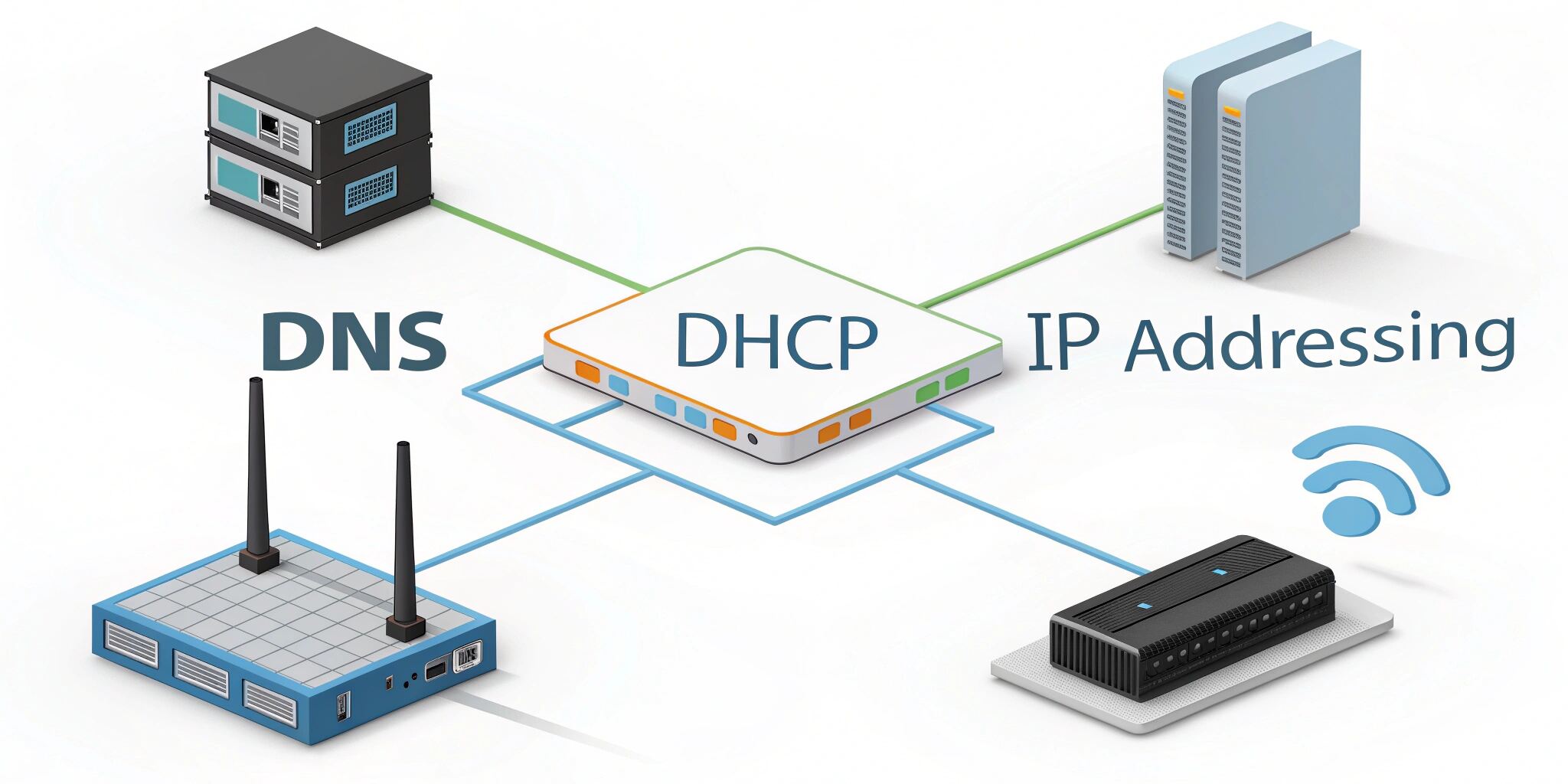
The seamless experience of browsing the internet, accessing websites, and connecting devices is powered by core networking protocols—DNS, DHCP, and IP addressing. These systems work behind the scenes to ensure devices find and talk to each other across networks.
1. What is IP Addressing?
An IP address is a unique identifier assigned to every device on a network. It works like a home address, guiding data to the right destination.
- IPv4: 32-bit addresses (e.g., 192.168.0.1)
- IPv6: 128-bit addresses designed to handle the growing number of devices
IP addresses can be:
- Static: Manually assigned and do not change
- Dynamic: Assigned automatically and can change over time
2. What is DHCP?
DHCP (Dynamic Host Configuration Protocol) automates the assignment of IP addresses to devices on a network.
How DHCP Works:
- A device sends a DHCP Discover request.
- The DHCP server responds with an Offer.
- The device requests the offered IP.
- The server Acknowledges and leases the IP.
Benefits:
- Reduces manual configuration
- Prevents IP conflicts
- Simplifies network management
3. What is DNS?
DNS (Domain Name System) translates human-readable domain names (like example.com) into machine-readable IP addresses.
Why DNS Matters:
- Without DNS, we’d need to remember IP addresses instead of domain names.
- It allows services like email, websites, and cloud apps to be accessible using simple names.
DNS Components:
- DNS Resolver: Initiates and sequences the DNS query
- Root Server: The top-level DNS server
- TLD Server: Manages domains like .com, .org
- Authoritative Server: Provides the actual IP address
4. How They Work Together
- A device connects to a network and gets an IP address via DHCP.
- When you type a domain name, your device uses DNS to resolve it to an IP address.
- With the IP, your device can communicate with the target server over the internet.
5. Real-World Applications
- Home Networks: Your router acts as a DHCP and DNS proxy
- Corporate Networks: Use internal DNS for local services, often with static IPs for critical devices
- Cloud Services: Use DNS to load balance traffic across multiple IPs
6. Common Issues and Troubleshooting
- IP conflicts: Usually due to misconfigured static IPs
- DNS resolution errors: Often fixed by flushing DNS or switching to public DNS (like Google DNS)
- DHCP lease expiry: Can cause loss of connectivity
Conclusion
DNS, DHCP, and IP addressing form the invisible foundation of modern networking. Understanding their roles helps IT professionals troubleshoot issues and design robust networks. Whether at home or in the enterprise, these technologies ensure devices connect reliably and efficiently.