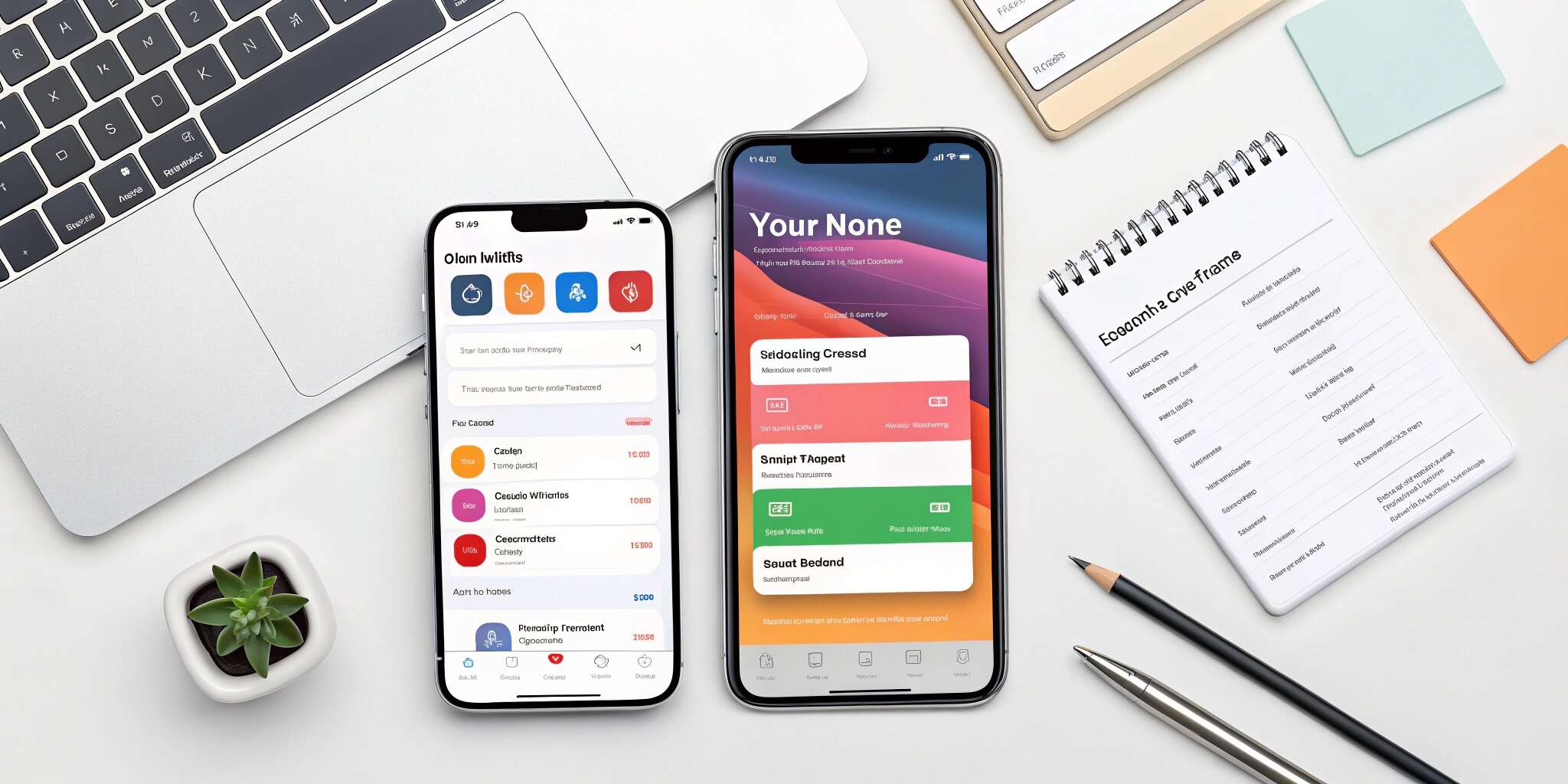
SwiftUI is Apple's declarative framework for building modern, cross-platform user interfaces. Since its launch, SwiftUI has revolutionized how developers create UIs for iOS, macOS, watchOS, and tvOS. In 2025, SwiftUI is no longer an emerging tool—it's a standard for building clean, efficient, and scalable iOS interfaces.
This deep dive provides practical tips for using SwiftUI effectively, helping you design better apps and streamline development.
Why Choose SwiftUI in 2025?
- Declarative Syntax: Describe what your UI should look like and let SwiftUI handle the rendering.
- Code Efficiency: Less code compared to UIKit, reducing development time.
- Cross-Platform Consistency: Build once, deploy across iPhone, iPad, Mac, and Apple Watch.
- Live Previews: Instantly see changes in Xcode without running the full app.
- Seamless Integration with Swift: Fully supports modern Swift features like property wrappers, Combine, and concurrency.
Top Tips for Building Modern iOS UIs with SwiftUI
1. Break Interfaces into Reusable Components
Think in terms of small, reusable Views. Building modular components makes your code cleaner, testable, and easier to maintain. Use custom views and ViewModifiers to avoid repetition.
2. Leverage State Management Properly
Use SwiftUI’s property wrappers like @State, @Binding, and @ObservedObject wisely. Keep UI state and business logic separate by using MVVM architecture, where ViewModel handles logic, and the View focuses on presentation.
3. Design for Accessibility
SwiftUI makes adding accessibility features simple. Use .accessibilityLabel, .accessibilityHint, and dynamic text support to ensure your app is usable by everyone. Always test with different accessibility settings enabled.
4. Optimize for Performance
Avoid nesting too many Views unnecessarily. Excessive hierarchy can lead to rendering slowdowns. Use LazyVStack and LazyHStack for lists and collections to load content on demand, saving memory and battery.
5. Use Animations Thoughtfully
SwiftUI’s built-in animation system is powerful but easy to overuse. Keep animations subtle and purposeful to enhance user experience without draining resources or distracting users.
6. Adapt to Different Devices
SwiftUI’s Layout, GeometryReader, and AdaptiveStack make building responsive designs easier. Support multiple screen sizes, orientations, and devices with minimal additional code.
7. Preview and Iterate Frequently
Use Xcode Previews to test different UI states, themes, and devices in real time. Create multiple preview configurations to simulate various scenarios like dark mode, localization, or specific user states.
8. Keep Up with SwiftUI Updates
Apple continuously improves SwiftUI with new features, components, and APIs. Stay current with the latest changes in iOS SDKs to take advantage of performance improvements and new UI capabilities.
Common SwiftUI Mistakes to Avoid
- Overusing @State for complex logic instead of proper ViewModels.
- Ignoring performance impacts of deeply nested views.
- Skipping accessibility and localization considerations.
- Forgetting to test on older devices or with accessibility options enabled.
Conclusion
SwiftUI is the future of iOS UI development. It allows you to build beautiful, dynamic, and maintainable apps faster than ever before. By following these best practices—modular design, efficient state management, accessibility, and device adaptability—you can create seamless and engaging user experiences in 2025 and beyond.
Mastering SwiftUI isn't just about learning syntax—it's about embracing a new way of thinking about UI development.