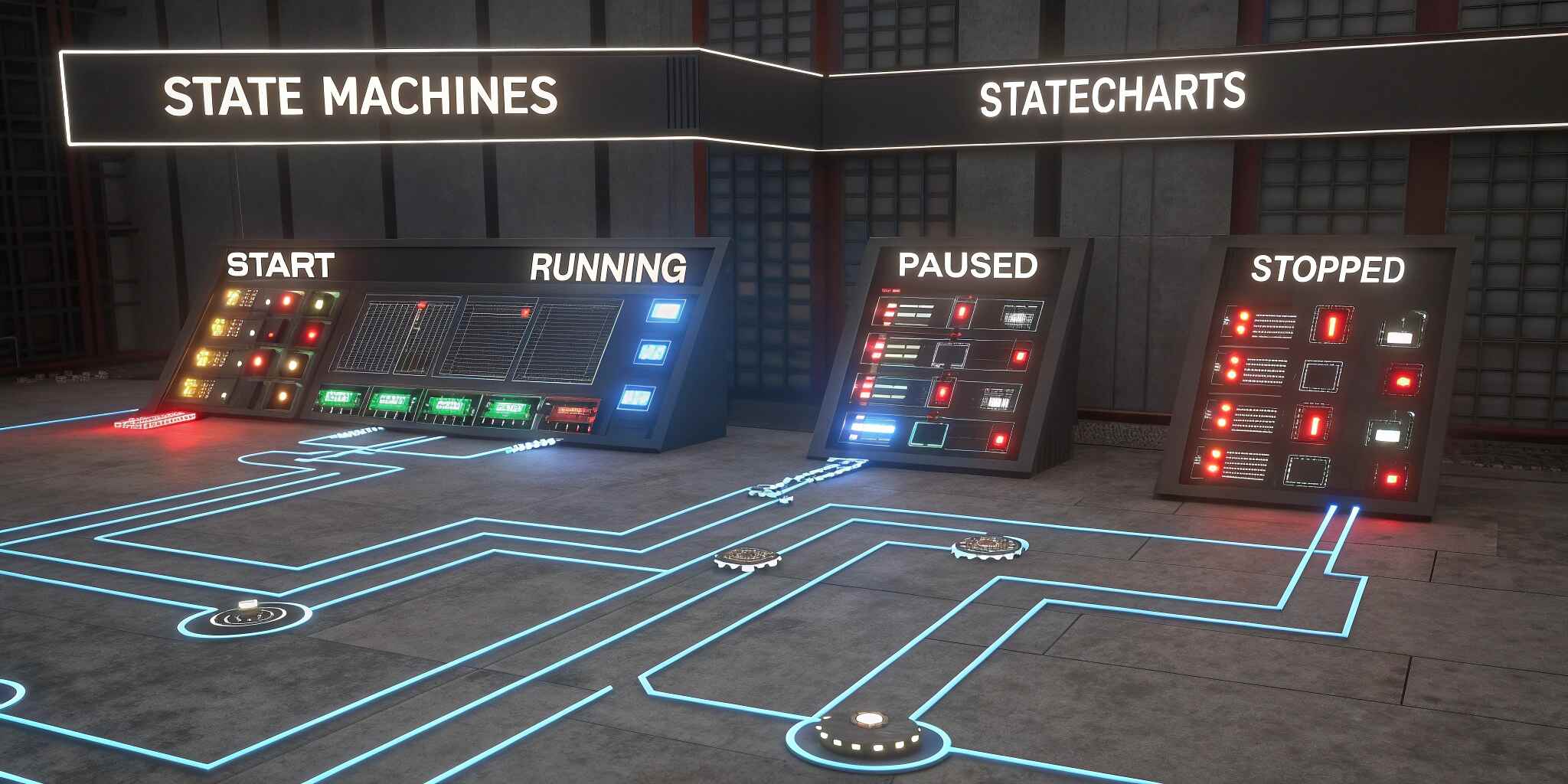
Modern user interfaces are more dynamic and interactive than ever before, requiring applications to respond to user actions, device conditions, and asynchronous events with precision. However, as interfaces grow more complex, managing UI logic through traditional conditional structures becomes chaotic and prone to bugs. This is where State Machines and Statecharts offer a powerful, structured solution by enabling predictable, deterministic behavior across every UI scenario. Instead of relying on scattered Boolean flags and nested conditionals, developers use clearly defined states and transitions to ensure the UI behaves exactly as intended.
A State Machine operates on a simple but highly effective principle: an application can only be in one state at a time, and only predefined events can trigger transitions between states. For example, a payment form may transition between “idle,” “processing,” “success,” and “error.” These transitions must follow a valid path, making unexpected behavior impossible. This prevents inconsistent UI flows, reduces edge-case bugs, and ensures that every part of the application is logically sound.
Statecharts build on this concept by adding advanced features like nested states, parallel states, guards, and history. This makes them ideal for managing large, complex UI flows. Consider a multi-step onboarding process in a web app. Each step may contain sub-steps, conditional paths, and fallback screens. Without Statecharts, the logic behind these transitions becomes hard to track and error-prone. With Statecharts, the entire flow is modeled visually and logically, providing clarity not just for developers but for designers and product managers as well.
One of the most significant advantages of State Machines and Statecharts is their ability to make UI logic visual. Tools like XState Visualizer allow developers to view transitions as diagrams, transforming abstract logic into a clear, interactive map. This eliminates guesswork, improves collaboration across teams, and simplifies debugging. Instead of digging through files to find why a UI isn’t responding correctly, developers can pinpoint the exact state transition causing the issue.
Predictability is another major benefit. Because State Machines define strict transition rules, the UI cannot accidentally enter an undefined or unexpected state. This deterministic behavior is crucial for applications dealing with critical user flows, such as authentication, payments, scheduling systems, or IoT dashboards. Developers can anticipate every possible state and ensure the UI responds correctly even under unusual conditions such as network failures or delayed user actions.
Testing becomes more reliable as well. Since State Machines produce a clear list of states and transitions, writing automated tests becomes straightforward. Instead of testing infinite combinations of possible UI conditions, developers only test valid state transitions. This leads to better coverage, fewer regressions, and more confidence in production releases.
Modern frontend frameworks such as React, Vue, Angular, and Svelte integrate seamlessly with state-machine-based logic. Tools like XState provide a declarative and scalable API to connect UI components directly to State Machines. This centralizes all UI logic in one place, improving maintainability and reducing code duplication. In fact, many large-scale applications adopt Statecharts specifically to simplify long-term maintenance. When new developers join the project, they can understand the entire UI flow visually, rather than deciphering scattered logic.
Mobile developers also benefit greatly from State Machines. Mobile UI often involves gesture-driven interactions, background tasks, app lifecycle events, and offline handling—all of which can be modeled cleanly with Statecharts. In Android or iOS apps, flows such as authentication, onboarding, video playback, or device permission requests become significantly easier to manage and debug when built with a state-driven architecture.
Furthermore, Statecharts support parallel states, enabling multiple pieces of UI logic to run independently without interfering with each other. For example, an app may manage a loading animation while also monitoring network availability. Parallel states prevent these processes from becoming tangled, promoting cleaner architecture and better separation of concerns.
Ultimately, State Machines and Statecharts offer a powerful paradigm shift for creating predictable, maintainable, and scalable user interfaces. As applications continue to increase in complexity, adopting structured state logic ensures long-term stability, improves user experience, and accelerates development. Whether building interactive web applications, mobile apps, or IoT interfaces, Statecharts provide the clarity and reliability needed to deliver modern, high-quality digital experiences.