In modern web and mobile applications, authentication answers the question: “Who are you?”
Authorization answers: “What are you allowed to do?”
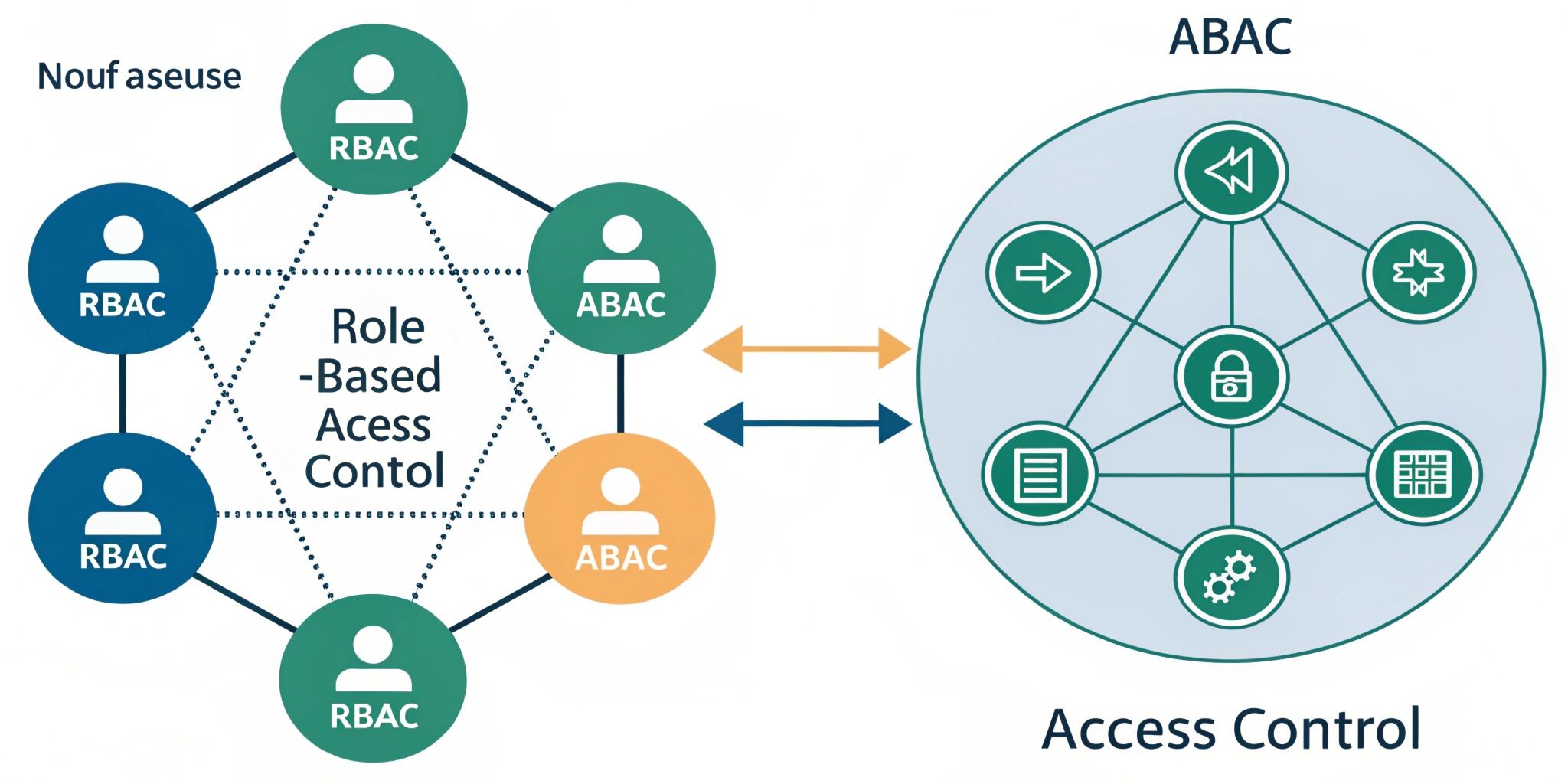
As applications grow, managing permissions becomes complex. Users may need different access levels based on their job, subscription plan, department, location, project, or even time of day. That’s why access control models like RBAC (Role-Based Access Control) and ABAC (Attribute-Based Access Control) are essential for building secure and scalable systems.
In this blog, we’ll compare RBAC vs ABAC, explore their strengths and limitations, and help you decide which model fits your project.
What is RBAC (Role-Based Access Control)?
RBAC is an authorization model where permissions are assigned to roles, and users are assigned to those roles.
How RBAC works:
- Define roles (Admin, Manager, Employee, HR, Customer)
- Attach permissions to roles (create user, edit data, view reports)
- Assign users to roles
- User inherits all permissions of the assigned role
Example:
In a CRM system:
- Admin → can manage users, view all leads, export data
- Sales Executive → can view and update assigned leads
- Sales Manager → can view team performance reports
RBAC is widely used because it is simple and easy to manage, especially for organizations with clear job-based responsibilities.
What is ABAC (Attribute-Based Access Control)?
ABAC is a more dynamic authorization model where access is granted based on attributes and policies, instead of fixed roles.
Attributes can belong to:
- User (department, designation, location, clearance level)
- Resource (owner ID, data sensitivity, project ID)
- Environment (time, device type, IP address)
- Action (read, write, delete, approve)
Example:
In a document management system:
- A user can view a file only if:
- user.department = “Finance”
- AND resource.sensitivity = “Internal”
- AND request.time is within working hours
- AND user.location = “India”
ABAC is powerful because it can express complex business rules without creating too many roles.
RBAC vs ABAC: Key Differences
1. Permission Assignment
- RBAC: permissions → roles → users
- ABAC: permissions → policies evaluated using attributes
RBAC is role-focused. ABAC is policy-focused.
2. Flexibility
- RBAC: less flexible when requirements grow
- ABAC: highly flexible and supports fine-grained access
If your app needs complex rules, ABAC handles it better.
3. Complexity
- RBAC: easy to implement and understand
- ABAC: more complex and requires careful planning
ABAC needs a strong policy structure and consistent attribute data.
4. Scalability
RBAC can become difficult when roles increase too much.
Example: “Admin-India”, “Admin-US”, “Admin-Remote”, “Admin-Contractor” — this becomes role explosion.
ABAC avoids this by using attributes like:
- country = India
- userType = contractor
- device = managedDevice
5. Maintenance
- RBAC: easy to manage with stable roles
- ABAC: policies can be harder to audit without proper tools
ABAC needs good documentation and monitoring.
When to Use RBAC
RBAC is best when:
✅ Your organization has clear roles and responsibilities
✅ Access rules are mostly job-based
✅ You want faster implementation
✅ You need easy auditing and permission reviews
Common RBAC Use Cases:
- HR systems
- Admin panels
- Small-to-medium SaaS apps
- Internal company tools
- Basic role permissions like Admin/User/Viewer
When to Use ABAC
ABAC is best when:
✅ Access depends on multiple conditions
✅ You need fine-grained control (row-level permissions)
✅ Your users and resources change frequently
✅ You want policy-based control across apps and APIs
Common ABAC Use Cases:
- Banking and financial systems
- Healthcare systems (sensitive patient records)
- Large enterprise SaaS platforms
- Multi-tenant applications
- Government portals and compliance-heavy systems
Can RBAC and ABAC Work Together?
Yes, and this is common in real-world applications.
A hybrid approach can be:
- RBAC for base permissions (Admin, Manager, User)
- ABAC for extra rules (location-based access, resource ownership)
Example:
- Role = “Manager” can approve leave requests
- But ABAC rule checks: manager.department must match employee.department
This approach gives you both simplicity and flexibility.
Best Practices for Implementing RBAC/ABAC
1. Start Simple, Then Expand
If your product is early-stage, begin with RBAC.
Move to ABAC or hybrid when rules become complex.
2. Maintain a Clear Permission Matrix
Document:
- roles
- actions
- resources
- conditions
This helps avoid confusion and prevents security gaps.
3. Keep Authorization Separate from Business Logic
Avoid mixing permission checks inside random controllers. Use:
- middleware
- policy engines
- centralized permission services
This improves consistency and maintainability.
4. Audit and Log Access Decisions
Always log:
- who accessed what
- when it happened
- whether access was allowed or denied
This is critical for compliance and incident investigation.
Final Thoughts
RBAC and ABAC both solve the same problem—controlling access—but in different ways.
RBAC is simple, fast to implement, and great for structured organizations.
ABAC is flexible, scalable, and ideal for complex enterprise-level rules.
If you want the best of both worlds, a hybrid RBAC + ABAC model is often the smartest long-term approach.

