Introduction
Mobile users expect applications to work instantly, regardless of internet availability. However, unreliable network connectivity remains a common challenge, especially in regions with inconsistent mobile networks. To solve this problem, developers are increasingly adopting offline-first mobile app architecture.
Offline-first design prioritizes local functionality before relying on internet connectivity. Instead of waiting for network responses, the application stores data locally and synchronizes with the server whenever connectivity becomes available. This approach significantly improves performance, reliability, and overall user experience.
In this article, we will explore how offline-first architecture works, its core components, and best practices for implementing it in modern mobile applications.
What is Offline-First Mobile App Architecture?
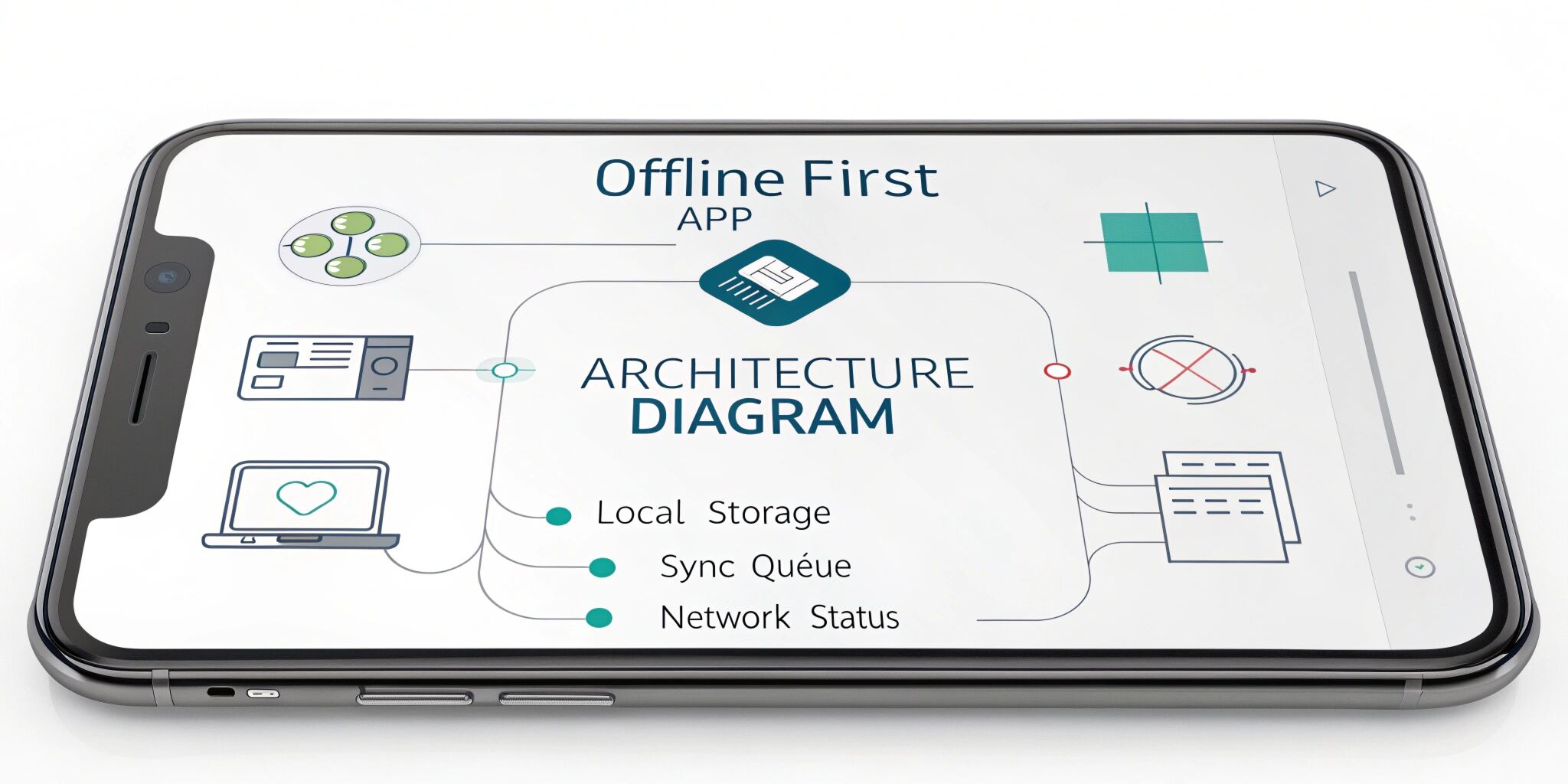
Offline-first architecture is a development approach where the application is designed to function without internet connectivity. The app stores data locally on the device and performs operations locally before synchronizing with remote servers.
Traditional apps depend heavily on network requests to function, which often leads to slow performance and poor user experience when the network is weak. Offline-first apps, on the other hand, treat the network as an optional enhancement rather than a requirement.
This architecture ensures that users can continue interacting with the app, even when offline.
Key Components of Offline-First Architecture
1. Local Data Storage
Local storage plays a central role in offline-first applications. Instead of fetching data from a server every time, the application stores important data directly on the device.
Common local databases include:
- SQLite
- Realm
- Room (Android)
- Core Data (iOS)
These databases allow the application to quickly access and modify data without network delays.
2. Data Synchronization
When the device reconnects to the internet, the application must synchronize local changes with the remote server.
Synchronization strategies include:
- Push synchronization – local updates are sent to the server.
- Pull synchronization – the app fetches updates from the server.
- Two-way synchronization – both push and pull updates occur.
Handling synchronization properly ensures data consistency between local and server databases.
3. Conflict Resolution
When users modify the same data on multiple devices, conflicts may occur during synchronization.
Developers must define strategies to resolve these conflicts, such as:
- Last write wins
- Version control
- Timestamp comparison
- User-driven conflict resolution
Proper conflict management prevents data loss and ensures accuracy.
4. Caching Strategies
Caching allows frequently accessed data to be stored locally, reducing server requests and improving speed.
Popular caching techniques include:
- Memory caching
- Disk caching
- API response caching
Effective caching improves performance and reduces server load.
Benefits of Offline-First Mobile Apps
Improved User Experience
Users can continue using the app without interruptions, even when connectivity is limited or unavailable.
Faster Performance
Local data retrieval is significantly faster than network requests, making apps feel more responsive.
Reduced Network Dependency
Offline-first apps do not rely entirely on internet connectivity, making them suitable for global users.
Better Reliability
Applications remain functional during server outages or poor network conditions.
Scalability
Offline architecture reduces the number of server calls, improving scalability and infrastructure efficiency.
Best Practices for Implementing Offline-First Apps
Design for Offline from the Beginning
Offline functionality should be considered during the initial architecture design rather than added later.
Use Robust Local Databases
Choose databases optimized for mobile environments to ensure fast performance and data integrity.
Implement Smart Sync Mechanisms
Synchronization should occur automatically in the background without affecting user interactions.
Provide Clear Sync Status
Users should be informed whether their data is synced or pending synchronization.
Optimize Storage Usage
Since mobile devices have limited storage, developers should manage local data carefully and remove outdated data when necessary.
Real-World Use Cases
Many popular apps use offline-first architecture to enhance user experience:
- Messaging apps that allow users to compose messages offline
- Note-taking applications that sync across devices
- Productivity tools for remote work environments
- Field service apps used in areas with poor connectivity
These applications rely heavily on local storage and synchronization systems to maintain smooth functionality.
Future of Offline-First Development
As mobile usage continues to grow worldwide, offline-first architecture will become increasingly important. With technologies like progressive web apps (PWAs), edge computing, and improved local databases, developers can create even more powerful offline experiences.
Organizations focusing on global markets must consider offline-first strategies to ensure accessibility for users with limited internet connectivity.
Conclusion
Offline-first mobile app architecture is transforming how developers build reliable and user-friendly applications. By prioritizing local data storage, synchronization mechanisms, and caching strategies, developers can ensure that apps remain functional regardless of network conditions.
This approach not only improves performance but also enhances user satisfaction and scalability. As mobile technology continues to evolve, offline-first development will remain a critical strategy for building robust and globally accessible mobile applications.