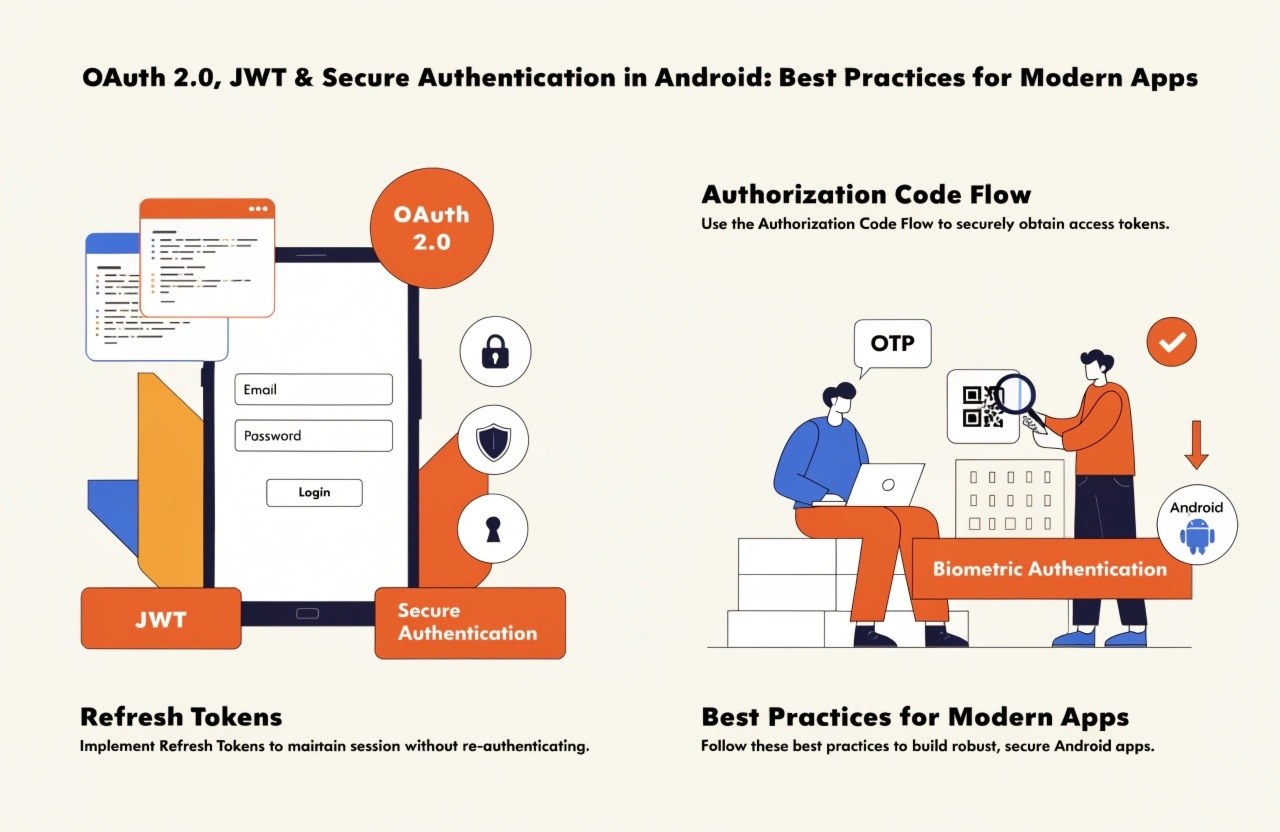
Main Content
Modern Android applications frequently communicate with backend APIs to handle user accounts, payments, profiles, messages, and other sensitive information. Because these applications transmit valuable data, authentication and authorization must be designed carefully. OAuth 2.0 and JSON Web Tokens (JWT) are two technologies commonly used to create secure authentication systems for Android applications.
Although OAuth 2.0 and JWT are often mentioned together, they solve different problems. OAuth 2.0 is an authorization framework, while JWT is a token format. Understanding how they work together can help developers build secure and scalable mobile applications.
Understanding OAuth 2.0
OAuth 2.0 allows an application to access protected resources on behalf of a user without requiring the application to directly handle the user's password. Instead, the user authenticates with an authorization server, which issues tokens that the application can use.
For Android applications, the Authorization Code flow with PKCE (Proof Key for Code Exchange) is generally the preferred approach when implementing OAuth-based authentication. PKCE adds protection against authorization-code interception and is especially important for public clients such as mobile applications.
A typical authentication process works like this:
- The user selects Login.
- The Android application opens the authorization process.
- The user authenticates with the authorization server.
- The authorization server returns an authorization code.
- The application exchanges the code for tokens.
- The application uses the access token to call protected APIs.
The Android application should never rely on storing a user's password locally.
What Is JWT?
A JSON Web Token (JWT) is a compact token format that can carry claims between parties. A JWT normally contains three components: header, payload, and signature.
The payload can include information such as:
- User identifier
- Issuer
- Audience
- Expiration time
- Issued-at time
- Permissions or scopes
Because JWTs are signed, the backend can verify whether a token has been modified.
However, developers should remember that a signed JWT is not automatically encrypted. Its payload can generally be decoded by anyone who possesses the token. Therefore, sensitive information such as passwords, payment details, or private secrets should not be placed inside the JWT payload.
Access Tokens and Refresh Tokens
A common secure architecture uses short-lived access tokens together with longer-lived refresh tokens.
The access token is sent with API requests, usually through the HTTP Authorization header using the Bearer scheme. Because access tokens are short-lived, the potential impact of token theft can be reduced.
When the access token expires, the application can use a refresh token to request a new access token without requiring the user to log in again.
Developers should carefully protect refresh tokens because they can provide continued access to an account. Refresh-token rotation and server-side revocation strategies can provide additional protection.
Secure Token Storage in Android
One of the most important security considerations is where authentication tokens are stored.
Developers should avoid storing sensitive tokens in plain-text files, unsecured preferences, logs, or databases. Android's security mechanisms should be used to protect sensitive credentials.
The Android Keystore system can help protect cryptographic keys by keeping key material in a secure hardware-backed or system-managed environment when supported by the device.
Applications should also avoid accidentally exposing tokens through:
- Logcat
- Crash reports
- Analytics events
- Screenshots
- Debug messages
- URLs
- Shared clipboard data
A strong security design considers not only where credentials are stored but also where they might accidentally appear.
Always Use HTTPS
Authentication tokens must never be transmitted over unencrypted HTTP connections. Android applications should communicate with backend services through HTTPS/TLS.
Developers should also configure network security appropriately and avoid disabling certificate validation simply to resolve development issues. Production applications should use secure TLS configurations and properly validate server certificates.
Validate JWTs on the Server
A common mistake is treating a JWT as trustworthy simply because it can be decoded successfully.
The backend must validate important properties such as:
- Signature
- Expiration
- Issuer
- Audience
- Required claims
- Token type
- Appropriate scopes or permissions
Authorization decisions should always be enforced by the backend. An Android application should never be considered a trusted authority for deciding whether a user can access sensitive server-side resources.
Common Authentication Mistakes
Several implementation mistakes can weaken an otherwise good authentication system.
Developers should avoid:
- Hardcoding API secrets inside the Android application
- Storing tokens insecurely
- Using long-lived access tokens unnecessarily
- Sending tokens through URL query parameters
- Disabling HTTPS certificate validation
- Trusting client-side authorization checks
- Putting sensitive information inside JWT payloads
- Logging authentication headers
- Building custom cryptographic algorithms
- Ignoring token expiration and revocation
Even if an application has strong authentication, insecure API authorization can still expose protected data.
Building a Secure Authentication Architecture
A production-ready Android authentication architecture should separate responsibilities between the mobile application, authorization server, and API backend.
The Android client handles the user experience and securely manages tokens. The authorization server handles authentication and token issuance. The API server validates access tokens and enforces authorization rules.
Using OAuth 2.0 with PKCE, short-lived access tokens, carefully managed refresh tokens, HTTPS, secure credential storage, and strong server-side validation creates multiple layers of protection.
Conclusion
Secure authentication is not simply about implementing a login screen. It requires careful planning across the entire application architecture.
OAuth 2.0 provides a standardized approach for authorization, while JWT can provide a convenient format for carrying verified claims. When combined with PKCE, HTTPS, Android Keystore, short-lived access tokens, refresh-token protection, and strict server-side authorization, these technologies can help developers create secure and reliable Android applications.
As mobile applications continue to handle increasingly sensitive information, authentication should be treated as a core security component rather than an afterthought.