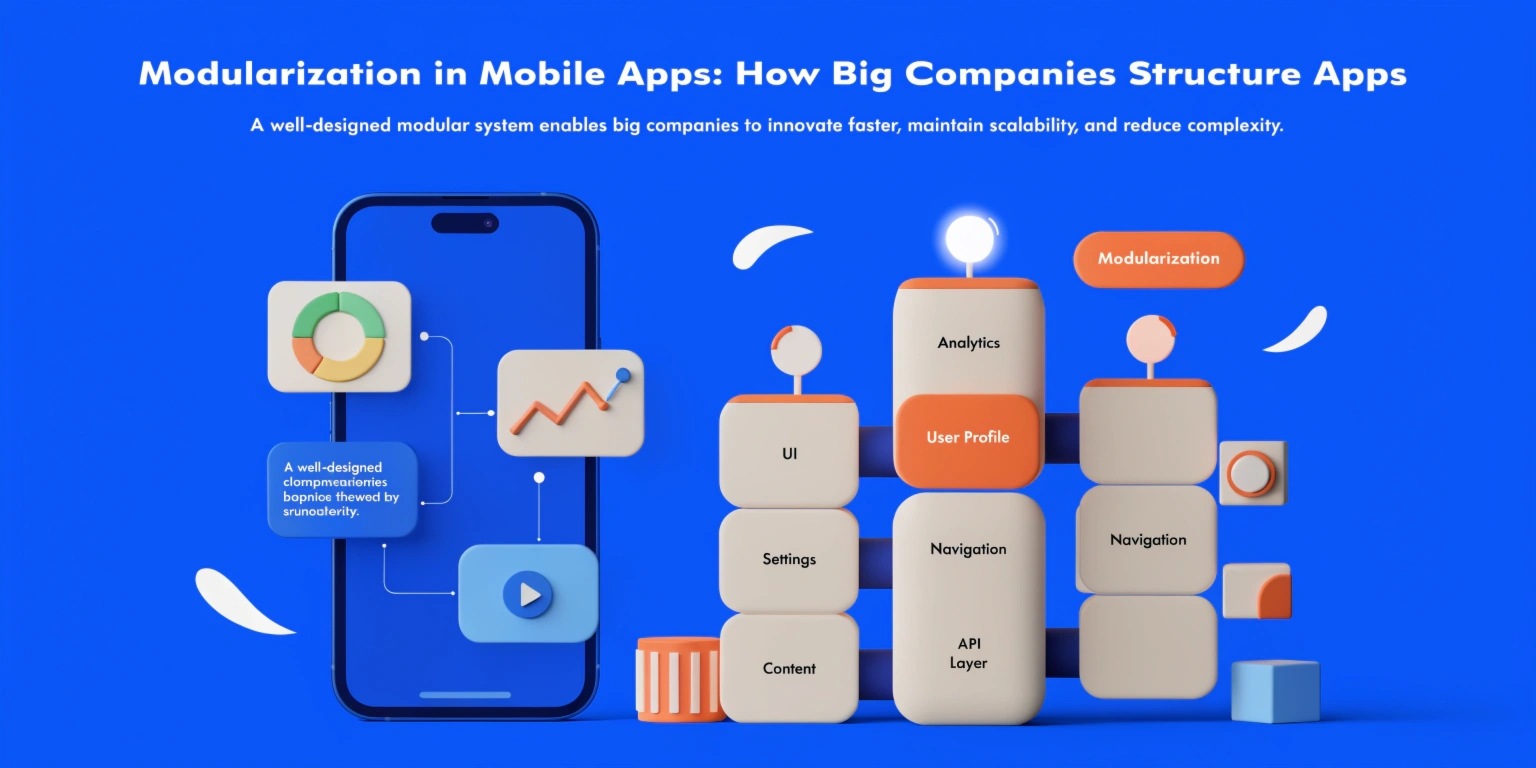
As mobile applications grow in size and complexity, maintaining a monolithic codebase becomes increasingly difficult. Large companies rarely build apps as a single block of tightly coupled code. Instead, they adopt modularization, a strategy that divides applications into smaller, independent, and manageable components.
Modularization is not just about splitting code into folders. It is a deliberate architectural decision that improves scalability, team collaboration, release cycles, and long-term maintainability.
What is Modularization in Mobile Apps?
Modularization is the process of breaking a mobile application into independent modules, each responsible for a specific functionality or feature.
Instead of having:
- One large “app” module
- All features tightly coupled
- Shared dependencies everywhere
Large companies structure apps into:
- Core modules
- Feature modules
- Shared libraries
- Infrastructure modules
Each module can be developed, tested, and sometimes even deployed independently.
Why Big Companies Use Modular Architecture
1. Scalability
As user bases grow, features increase. A monolithic architecture slows development and increases build times. Modularization allows teams to add features without affecting the entire system.
2. Parallel Development
Different teams can work on separate modules simultaneously without code conflicts. This is essential in enterprise-level companies where dozens of developers contribute daily.
3. Faster Build Times
In large Android projects especially, modularization reduces compilation time because only modified modules are rebuilt.
4. Better Code Ownership
Each module has clear ownership. This improves accountability and code quality.
5. Safer Refactoring
Changes in one module are less likely to break unrelated features.
Common Module Types in Large-Scale Apps
1. Core Module
Contains:
- Networking
- Database layer
- Logging
- Utilities
- Base UI components
This module acts as the foundation for other modules.
2. Feature Modules
Each major feature has its own module:
- Authentication
- Payment
- Profile
- Search
- Notifications
Feature modules include:
- UI
- ViewModels
- Use cases
- Repository implementations (if needed)
This is often called Feature-Based Architecture.
3. Domain Module
Contains business logic:
- Entities
- Use cases
- Interfaces
It remains independent from frameworks like Android or iOS-specific components.
4. Data Module
Handles:
- API calls
- Database
- Caching
- Data mapping
It implements interfaces defined in the domain layer.
5. Design System Module
Large companies create separate UI component libraries:
- Buttons
- Typography
- Themes
- Design tokens
This ensures consistent UI across features.
Modularization Strategies Used by Big Companies
Strategy 1: Feature-Based Modularization
Each feature lives independently.
Advantages:
- Clear ownership
- Easy scalability
- Faster feature releases
Strategy 2: Layer-Based Modularization
Modules are divided by layers:
- Presentation
- Domain
- Data
Used when strict architectural boundaries are required.
Strategy 3: Hybrid Approach
Most enterprise applications use a combination of:
- Feature modules
- Shared core modules
- Layer separation inside features
This provides flexibility with structure.
Modularization in Android vs iOS
Android
Android strongly supports modularization via:
- Gradle modules
- Dynamic feature modules
- Play Feature Delivery
Large Android apps heavily rely on this structure to manage build performance.
iOS
iOS modularization is achieved using:
- Swift Packages
- Frameworks
- XCFrameworks
While iOS build systems differ, the architectural philosophy remains similar.
Challenges of Modularization
Despite its benefits, modularization introduces complexity.
- Over-engineering
- Creating too many small modules can slow development.
- Dependency Management
- Improper dependency control can create circular dependencies.
- Initial Setup Cost
- Designing a proper modular structure requires architectural maturity.
- Communication Overhead
- Multiple teams require coordination.
Big companies overcome these challenges by:
- Defining strict module dependency rules
- Using dependency injection
- Enforcing architecture guidelines
- Conducting code reviews
Best Practices for Effective Modularization
- Keep modules loosely coupled
- Avoid circular dependencies
- Follow clean architecture principles
- Define clear ownership
- Maintain strict dependency direction
- Create reusable design systems
- Document architecture decisions
- Automate testing per module
When Should You Modularize?
Not every project requires heavy modularization.
Good candidates:
- Apps with 10+ developers
- Enterprise applications
- Long-term evolving products
- Apps with multiple feature releases per month
For small apps or MVPs, a simpler architecture may be sufficient.
Conclusion
Modularization is not just a trend; it is a necessity for large-scale mobile applications. Big companies structure their apps using feature modules, core libraries, and clear architectural boundaries to ensure scalability, maintainability, and long-term success.
If your mobile product is growing rapidly, modular architecture is not optional—it becomes foundational.
The earlier it is implemented correctly, the easier future scaling becomes.