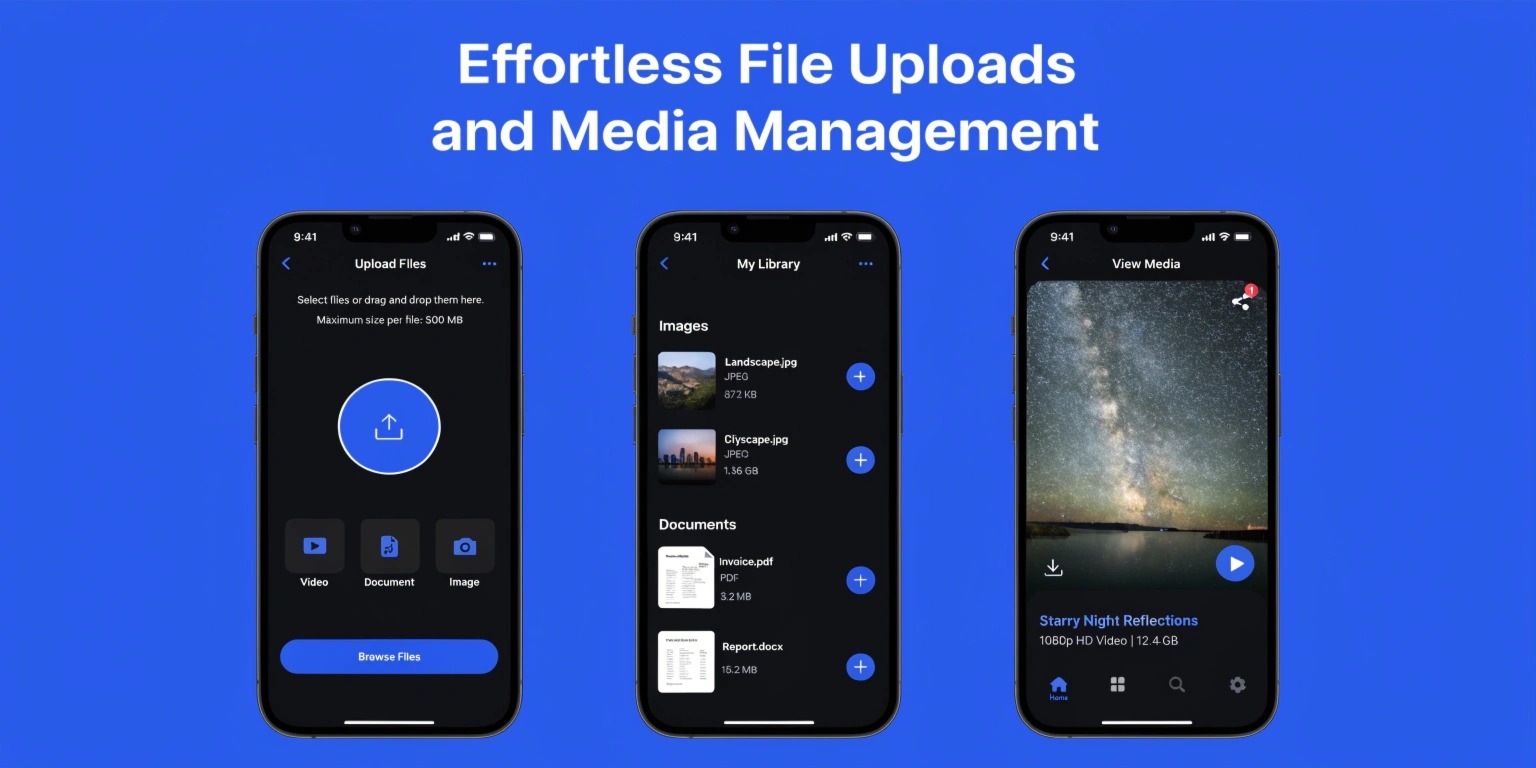
File Uploads and Media Handling in Apps: Best Practices for Modern Applications
Modern applications heavily rely on file uploads and media handling features. Whether users are uploading profile pictures, videos, documents, audio files, or large datasets, media management has become a critical part of app development.
From social media platforms and eCommerce applications to healthcare systems and enterprise software, efficient file handling directly impacts:
- User experience
- Performance
- Scalability
- Security
- Infrastructure costs
Although uploading a file may appear simple to users, building a scalable and secure media handling system is one of the most complex engineering challenges in modern software development.
In this blog, we will explore how file uploads and media handling work in applications, the architectural considerations involved, common challenges, and best practices developers should follow.
Why File Upload Systems Matter
Applications increasingly depend on media-rich experiences.
Examples include:
- Profile image uploads
- Video sharing platforms
- Document management systems
- Cloud storage applications
- AI training datasets
- Messaging apps
- Online learning platforms
Poor media handling can lead to:
- Slow application performance
- High infrastructure costs
- Security vulnerabilities
- Failed uploads
- Poor user experiences
Therefore, file upload architecture must be carefully designed for reliability and scalability.
Understanding the File Upload Process
A typical file upload workflow involves multiple stages.
1. File Selection
The user selects a file through:
- Web browsers
- Mobile applications
- Drag-and-drop interfaces
Applications often validate:
- File type
- File size
- Supported formats
before the upload begins.
2. Upload Transmission
The selected file is transferred from the client to the server using:
- HTTP requests
- Multipart form data
- Streaming protocols
Large files may require:
- Chunked uploads
- Resumable uploads
- Parallel upload handling
to improve reliability and performance.
3. Backend Processing
Once uploaded, the server may:
- Scan files for malware
- Compress media
- Generate thumbnails
- Convert file formats
- Extract metadata
This processing pipeline is essential for optimization and security.
4. Storage and Delivery
After processing, files are stored in:
- Cloud object storage
- Databases
- Distributed storage systems
Media is then delivered to users through:
- APIs
- Content Delivery Networks (CDNs)
- Streaming systems
Efficient delivery improves loading speed and scalability.
Cloud Storage for Media Handling
Modern applications rarely store uploaded files directly on local servers.
Instead, they use cloud storage platforms because they provide:
- Scalability
- High availability
- Redundancy
- Global accessibility
Cloud storage supports:
- Automatic backups
- Distributed replication
- Secure access control
- Cost-efficient scaling
Object storage systems are especially popular for:
- Images
- Videos
- Audio files
- Documents
This architecture separates media storage from application servers, improving reliability.
File Upload Security
Security is one of the most important aspects of media handling.
Improper upload validation can expose applications to:
- Malware attacks
- Arbitrary file execution
- Data leaks
- Denial-of-service attacks
Best security practices include:
- File type validation
- File size restrictions
- Virus scanning
- Secure access permissions
- Content sanitization
Applications should never trust uploaded files automatically.
Secure upload pipelines protect both infrastructure and users.
Image and Video Optimization
Media files can significantly impact application performance if not optimized properly.
Image Optimization
Image optimization techniques include:
- Compression
- Format conversion
- Lazy loading
- Responsive resizing
Optimized images reduce:
- Bandwidth consumption
- Loading times
- Storage costs
Video Optimization
Video files are especially resource-intensive.
Modern video systems often:
- Transcode videos into multiple resolutions
- Generate adaptive streaming formats
- Compress media efficiently
This ensures smoother playback across different devices and network conditions.
Media optimization directly improves user engagement and retention.
Using Content Delivery Networks (CDNs)
A CDN distributes media files across global edge servers.
Benefits include:
- Faster content delivery
- Reduced server load
- Improved scalability
- Better global performance
Without CDNs, users far from the main server may experience:
- Slow loading speeds
- Increased latency
- Poor streaming quality
Most modern large-scale applications rely heavily on CDN infrastructure for media delivery.
Handling Large File Uploads
Large file uploads introduce additional challenges such as:
- Network interruptions
- Timeout failures
- Memory overload
- Bandwidth limitations
To solve these issues, applications use:
- Chunked uploads
- Resumable upload protocols
- Background processing
- Upload queues
Chunked uploads divide large files into smaller parts, allowing uploads to continue even after interruptions.
This is critical for:
- Video platforms
- Enterprise file systems
- Cloud storage applications
Media Processing Pipelines
Scalable applications often use asynchronous media pipelines.
Instead of processing files immediately during upload, systems queue processing tasks separately.
For example:
- Upload file
- Store raw media
- Add processing job to queue
- Generate thumbnails
- Compress media
- Update database
This architecture improves:
- Scalability
- Reliability
- User responsiveness
Background workers handle processing independently from the main application.
Database Considerations
Applications generally avoid storing large media directly inside relational databases.
Instead, databases store:
- File metadata
- Storage paths
- User ownership
- Upload timestamps
- Access permissions
The actual media files remain in dedicated storage systems.
This improves database performance and scalability significantly.
Common Challenges in Media Handling
Developers often face challenges such as:
- Storage cost management
- Media synchronization
- Cross-device compatibility
- Upload reliability
- Security vulnerabilities
- Real-time streaming complexity
As applications scale, media infrastructure becomes increasingly important for operational stability.
Future Trends in Media Handling
Modern applications are evolving toward:
- AI-powered media optimization
- Edge processing
- Serverless uploads
- Real-time video pipelines
- Intelligent compression systems
AI is increasingly used for:
- Automatic tagging
- Content moderation
- Image enhancement
- Smart compression
The future of media handling will focus heavily on scalability, automation, and performance efficiency.
Conclusion
File uploads and media handling are foundational components of modern application development. Building scalable and secure media systems requires careful planning around storage architecture, security validation, optimization pipelines, and delivery infrastructure.
By implementing efficient upload workflows, cloud storage systems, CDNs, and asynchronous processing pipelines, developers can create applications that deliver reliable, fast, and secure media experiences.
As digital platforms continue becoming more media-driven, advanced file handling architecture will remain a critical part of scalable software engineering.