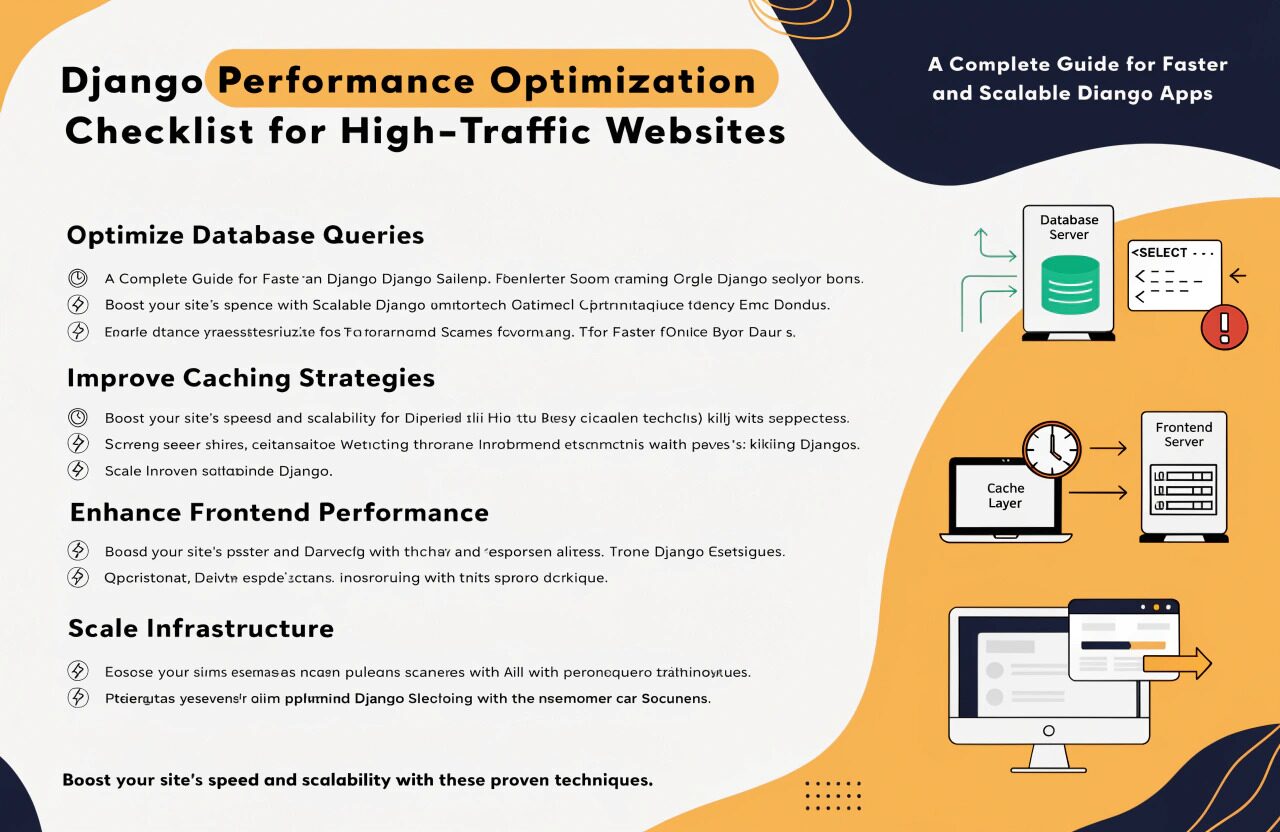
As your Django application grows, performance becomes essential for delivering a smooth user experience. This guide provides a practical Django performance optimization checklist covering database tuning, caching, asynchronous processing, static asset optimization, deployment strategies, monitoring, and scalability techniques. Follow these best practices to ensure your Django website remains fast, reliable, and capable of handling thousands of concurrent users.
Django Performance Optimization Checklist for High-Traffic Websites
Django is one of the most powerful Python web frameworks, trusted by companies like Instagram, Pinterest, and Mozilla for building scalable web applications. However, as website traffic increases, poorly optimized Django applications can experience slow response times, database bottlenecks, and higher infrastructure costs.
Performance optimization is not about making your website fast only once—it's about ensuring consistent speed as your user base grows. Here's a complete checklist to optimize Django applications for high-traffic environments.
1. Optimize Database Queries
The database is often the biggest performance bottleneck.
Best Practices
- Use select_related() for ForeignKey relationships.
- Use prefetch_related() for Many-to-Many relationships.
- Retrieve only required fields using only() or values().
- Avoid unnecessary database queries inside loops.
- Add indexes to frequently searched columns.
- Use pagination instead of loading thousands of records.
Efficient database queries significantly reduce response times and server load.
2. Implement Caching
Caching reduces repeated computations and database access.
Popular caching solutions include:
- Redis
- Memcached
- Local Memory Cache
Cache:
- Frequently visited pages
- Database query results
- API responses
- User sessions
- Template fragments
Django's built-in caching framework makes implementation straightforward.
3. Optimize Django ORM Usage
Poor ORM usage can create hidden performance issues.
Checklist:
- Avoid N+1 query problems.
- Use bulk_create() for multiple inserts.
- Use bulk_update() when updating many records.
- Use exists() instead of count() for simple checks.
- Use iterator() for processing large datasets.
Writing efficient ORM queries can dramatically improve scalability.
4. Compress Static Files
Large CSS and JavaScript files slow page loading.
Optimize by:
- Minifying CSS
- Minifying JavaScript
- Compressing images
- Using modern image formats like WebP
- Enabling Gzip or Brotli compression
Smaller assets reduce bandwidth usage and improve page speed.
5. Use a Content Delivery Network (CDN)
A CDN serves static content from servers closest to users.
Benefits include:
- Faster image delivery
- Reduced server load
- Lower latency
- Better global performance
- Improved SEO rankings
Static assets such as CSS, JavaScript, fonts, and images should always be served through a CDN for high-traffic applications.
6. Configure Gunicorn and Nginx Properly
Production deployments should avoid Django's built-in development server.
Recommended setup:
- Django
- Gunicorn
- Nginx
- PostgreSQL
- Redis
Optimize:
- Worker processes
- Worker timeout
- Keep-alive settings
- Reverse proxy configuration
Proper server configuration greatly improves request handling.
7. Use Asynchronous Background Tasks
Heavy operations shouldn't block user requests.
Move tasks like:
- Email sending
- PDF generation
- Image processing
- Report generation
- Notifications
- Scheduled jobs
Use Celery with Redis or RabbitMQ for reliable background task processing.
8. Optimize Middleware
Every middleware executes on every request.
Review your middleware stack regularly.
Remove:
- Unused middleware
- Redundant authentication checks
- Unnecessary logging middleware
Keeping middleware lightweight improves request processing speed.
9. Enable Database Connection Pooling
Creating a new database connection for every request is expensive.
Connection pooling:
- Reduces latency
- Improves throughput
- Handles concurrent users efficiently
This becomes essential for enterprise-level Django deployments.
10. Monitor Performance Continuously
Optimization isn't complete without monitoring.
Useful monitoring tools:
- Django Debug Toolbar
- New Relic
- Grafana
- Prometheus
- Sentry
Track:
- Slow queries
- Memory usage
- CPU utilization
- Error rates
- Request latency
Monitoring helps identify issues before users notice them.
11. Optimize Templates
Templates also affect response time.
Recommendations:
- Cache template fragments.
- Avoid expensive template logic.
- Preprocess data inside views.
- Reuse template components.
Cleaner templates improve rendering speed.
12. Enable HTTP Compression
Compress responses using:
- Gzip
- Brotli
Benefits:
- Smaller payloads
- Faster downloads
- Lower bandwidth consumption
- Improved mobile performance
Compression is one of the easiest optimization wins.
13. Optimize API Performance
If using Django REST Framework:
- Enable pagination.
- Cache API responses.
- Use serializer optimization.
- Limit nested serialization.
- Implement throttling.
- Compress JSON responses.
Fast APIs enhance mobile apps and frontend performance.
14. Scale Horizontally
Instead of upgrading a single server indefinitely, distribute traffic.
Horizontal scaling involves:
- Multiple application servers
- Load balancers
- Distributed caching
- Database replication
- Auto-scaling infrastructure
This architecture ensures better fault tolerance and higher availability.
15. Regular Performance Testing
Conduct load testing before major releases.
Popular tools include:
- Apache JMeter
- Locust
- k6
Test scenarios:
- Concurrent users
- API stress tests
- Database load
- Peak traffic events
Regular testing helps uncover bottlenecks before they impact production.
Final Django Optimization Checklist
✔ Optimize database queries
✔ Use Redis or Memcached caching
✔ Eliminate N+1 queries
✔ Compress CSS, JavaScript, and images
✔ Serve static files through a CDN
✔ Deploy with Gunicorn and Nginx
✔ Use Celery for background jobs
✔ Remove unnecessary middleware
✔ Enable database connection pooling
✔ Monitor application performance
✔ Optimize templates
✔ Enable Gzip or Brotli compression
✔ Improve Django REST Framework APIs
✔ Scale horizontally
✔ Perform regular load testing
Conclusion
High-traffic Django websites require more than powerful hardware—they need thoughtful optimization at every layer of the application. By improving database efficiency, implementing intelligent caching, optimizing static assets, leveraging asynchronous processing, and continuously monitoring performance, you can build Django applications that remain fast, reliable, and scalable even under heavy traffic.
Following this performance optimization checklist will help reduce infrastructure costs, improve user satisfaction, and prepare your Django application for future growth without sacrificing speed or stability.
We build scalable web, mobile, and game products for clients worldwide — combining modern frameworks, cloud infrastructure, and best engineering practices.
.jpg)
.jpg)
.jpg)