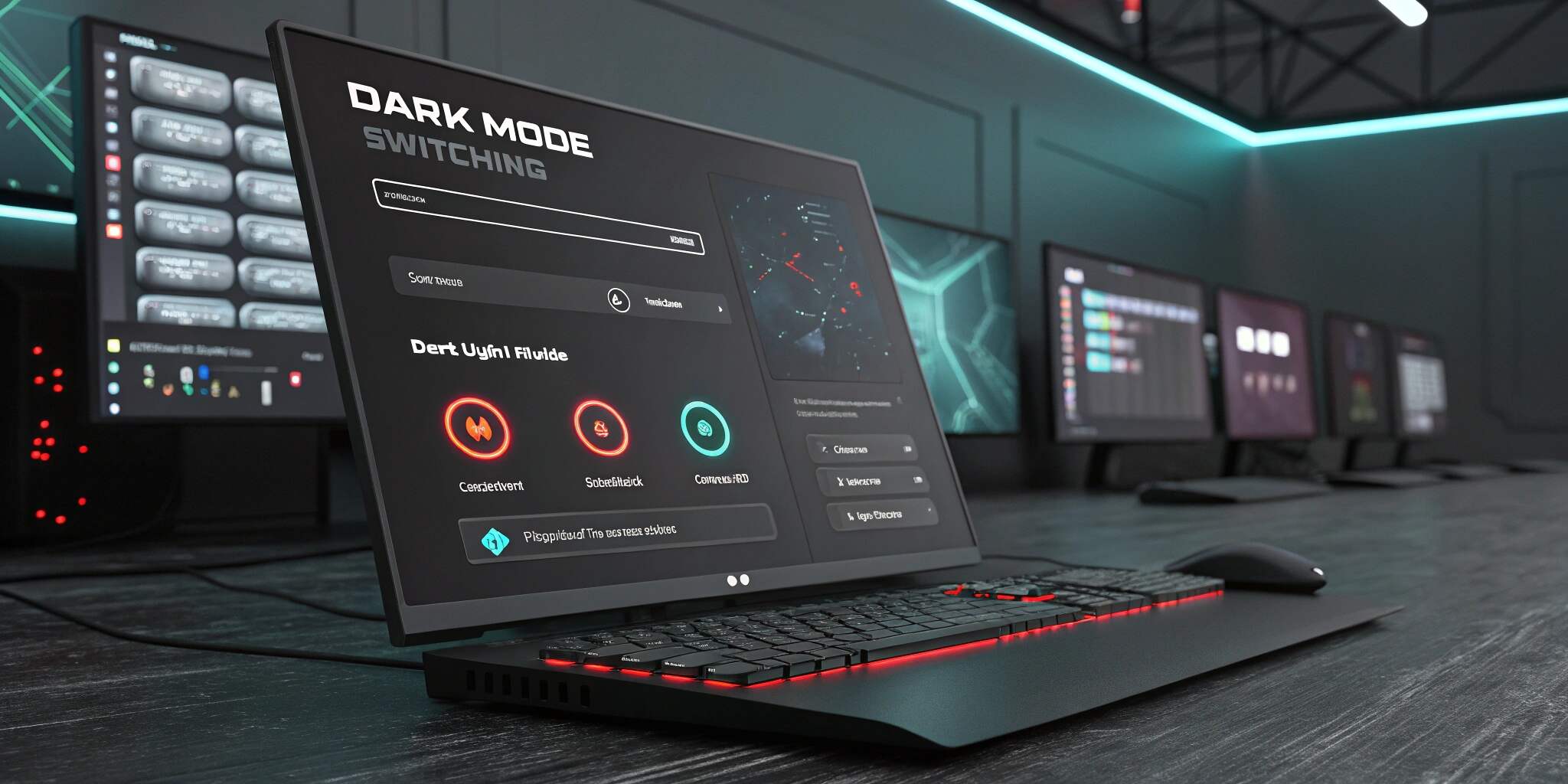
Dark mode and theme switching enhance modern web apps by improving usability, reducing eye strain, and offering customizable experiences. Learn how to implement these features and follow best practices for optimal UX.
Dark mode and theme switching have become essential features in modern web applications. Beyond visual appeal, they enhance usability, reduce eye strain in low-light environments, and provide a more personalized experience for users. As more people spend time online, offering these features is no longer optional but expected.
Why Dark Mode Matters
Dark mode offers several advantages. It reduces eye strain by minimizing glare from bright backgrounds, especially in low-light conditions. On devices with OLED or AMOLED screens, darker themes can also help conserve battery life. Many users prefer dark interfaces for comfort or concentration, and accessibility improvements make digital content more usable for people with visual sensitivities.
The Importance of Theme Switching
Theme switching gives users the ability to toggle between light and dark modes or even choose custom color schemes. This personalization enhances user satisfaction and ensures that the app aligns with individual preferences. Providing theme options can also improve engagement, as users feel more in control of their digital experience.
Best Practices for Dark Mode and Theme Switching
When implementing dark mode, it is important to maintain sufficient contrast to ensure readability. Smooth transitions between themes help create a seamless experience. Designers should consider system-level preferences to allow automatic theme adjustments and ensure consistency across devices. Testing different themes across browsers and screen types ensures a reliable and accessible experience for all users.
Examples in Popular Web Apps
Many leading web applications have successfully implemented dark mode and theme switching. YouTube offers a dark mode that reduces glare during long viewing sessions. Slack allows users to customize themes, including dark options, to enhance comfort during work. Twitter provides adaptive dark mode that follows system-level preferences, ensuring a consistent experience across devices.
Conclusion
Dark mode and theme switching are more than trends—they are key features for modern web apps focused on user experience. By thoughtfully designing these options, apps can reduce eye strain, improve accessibility, and offer users a personalized, comfortable, and engaging interface.
We build scalable web, mobile, and game products for clients worldwide — combining modern frameworks, cloud infrastructure, and best engineering practices.
.jpg)
.jpg)
.jpg)