Website speed is no longer just a performance concern—it directly affects user experience, SEO rankings, and business conversions. Many slow web applications don’t actually have slow servers; they have no caching strategy.
Every time a user opens a page, the application often:
- queries the database
- processes business logic
- generates HTML or JSON
- sends response
If 1,000 users request the same data, the server repeats the same work 1,000 times. This wastes CPU, memory, and database resources. Caching solves this problem by storing frequently requested data and serving it instantly.
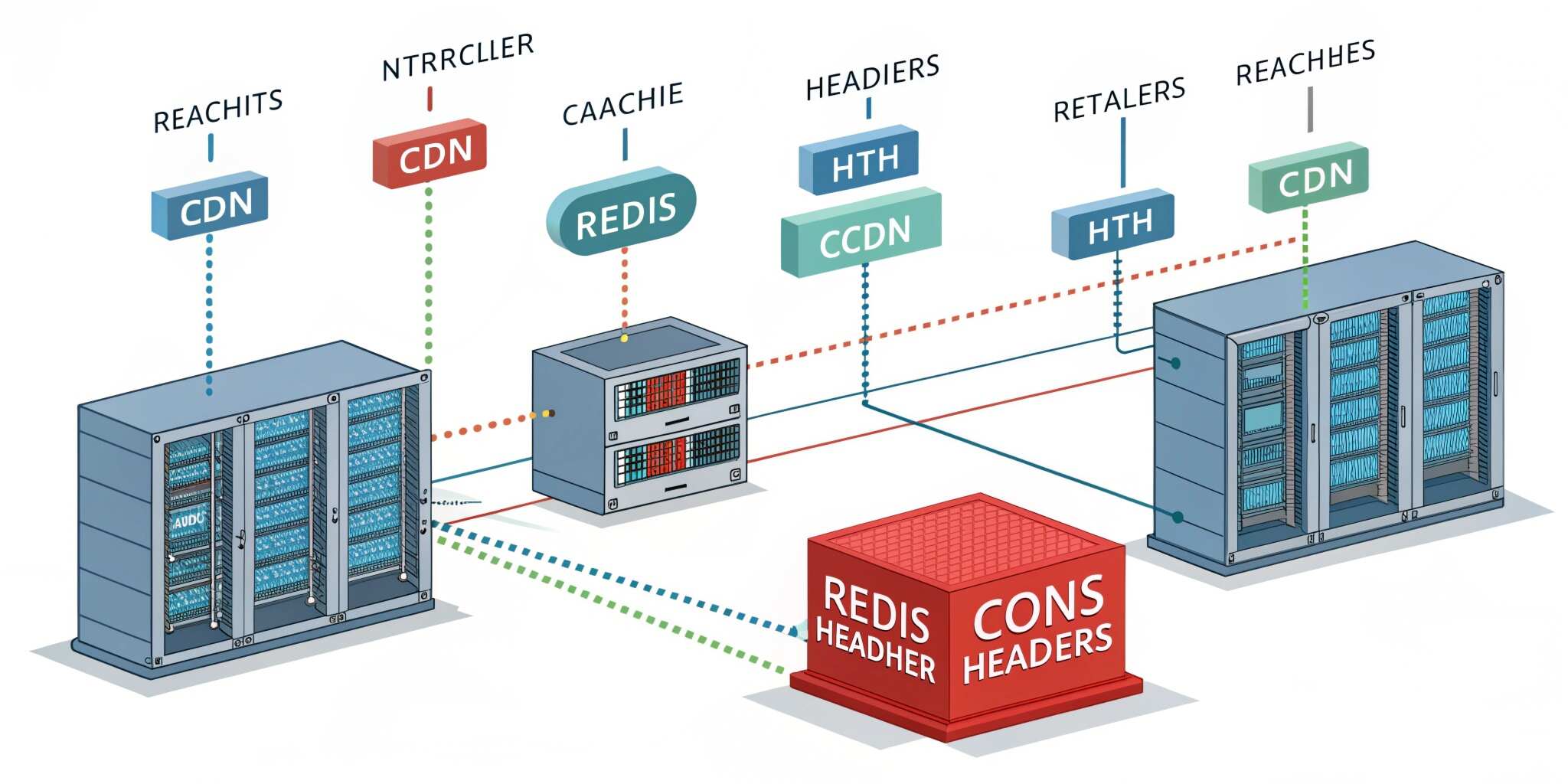
In this blog, we’ll understand three core caching layers:
Redis caching, CDN caching, and HTTP cache headers.
What Is Caching?
Caching is the process of storing frequently accessed data temporarily so it can be returned faster next time.
Benefits:
- faster response time
- lower database load
- improved scalability
- better Core Web Vitals
- reduced infrastructure cost
A good system uses multiple caching layers together, not just one.
1) Server-Side Caching with Redis
Redis is an in-memory data store, meaning it stores data in RAM instead of disk. Because RAM is extremely fast, Redis responses are almost instant.
Why Redis?
Database query → 50–300 ms
Redis fetch → 1–5 ms
Huge difference.
Common Redis Use Cases
API Response Caching
If an endpoint returns the same data often (like product list, dashboard stats), store the response in Redis.
Session Storage
Store login sessions or tokens.
Frequently Accessed Data
- user profile
- settings
- permissions
- configurations
Rate Limiting & Counters
Track login attempts or API requests.
Cache Flow
- user requests data
- server checks Redis
- if found → return immediately (cache hit)
- if not → query DB → store in Redis → return (cache miss)
This dramatically reduces database pressure.
Cache Expiration (TTL)
Each cache should have a TTL (Time To Live).
Examples:
- product catalog: 10 minutes
- dashboard stats: 60 seconds
- configuration: 1 hour
Never cache forever unless data truly never changes.
2) CDN Edge Caching
A CDN (Content Delivery Network) stores website assets on servers worldwide and serves users from the nearest location.
Instead of requesting files from your origin server in one country, users receive them from a nearby edge server.
What CDNs Cache
- images
- CSS
- JavaScript
- fonts
- static HTML pages
Benefits:
- faster page load globally
- reduced server bandwidth
- protection from traffic spikes
- DDoS mitigation support
CDNs are especially important for media-heavy websites and e-commerce platforms.
3) Browser Caching with HTTP Cache Headers
Browsers can cache resources locally if the server sends proper HTTP headers.
This is the most underused yet powerful optimization.
Important Headers
Cache-Control
Tells browser how long to store the file.
Example concept:
- public assets cached for days or months
ETag
Helps browser verify if content changed.
Expires
Defines expiration date for cache.
Why Browser Caching Matters
Without caching:
User visits site → downloads all CSS/JS/images again.
With caching:
User visits again → files load instantly from browser memory.
This dramatically improves repeat visit performance.
Cache Invalidation (The Hardest Part)
The biggest challenge in caching is keeping data fresh.
Common strategies:
Time-based expiration (TTL)
Data refreshes automatically after time limit.
Cache Busting
Change file name/version when updated (example: style.v2.css).
Event-based invalidation
Clear cache when database updates (e.g., product edited → clear product cache).
Multi-Layer Caching Architecture
Best performance comes from combining all layers:
- Browser cache (fastest)
- CDN cache (edge servers)
- Redis cache (application level)
- Database (last resort)
This is called a cache hierarchy.
Common Mistakes to Avoid
❌ caching sensitive user data publicly
❌ caching without expiration
❌ not clearing cache after updates
❌ caching dynamic personalized pages
❌ forgetting authentication-based responses
Best Practices Checklist
To implement caching properly:
✅ cache read-heavy endpoints
✅ use Redis for API and session caching
✅ serve static assets via CDN
✅ configure Cache-Control headers
✅ implement versioned assets
✅ monitor cache hit ratio
✅ invalidate cache after data updates
Final Thoughts
Caching is one of the most powerful performance techniques in modern web development. By combining Redis, CDN edge delivery, and HTTP browser caching, you can transform a slow application into a high-performance scalable system capable of handling thousands of users.
A fast application not only improves user satisfaction but also boosts SEO rankings and reduces server costs. Proper caching isn’t an optimization—it’s a core architectural requirement for any serious web application.

