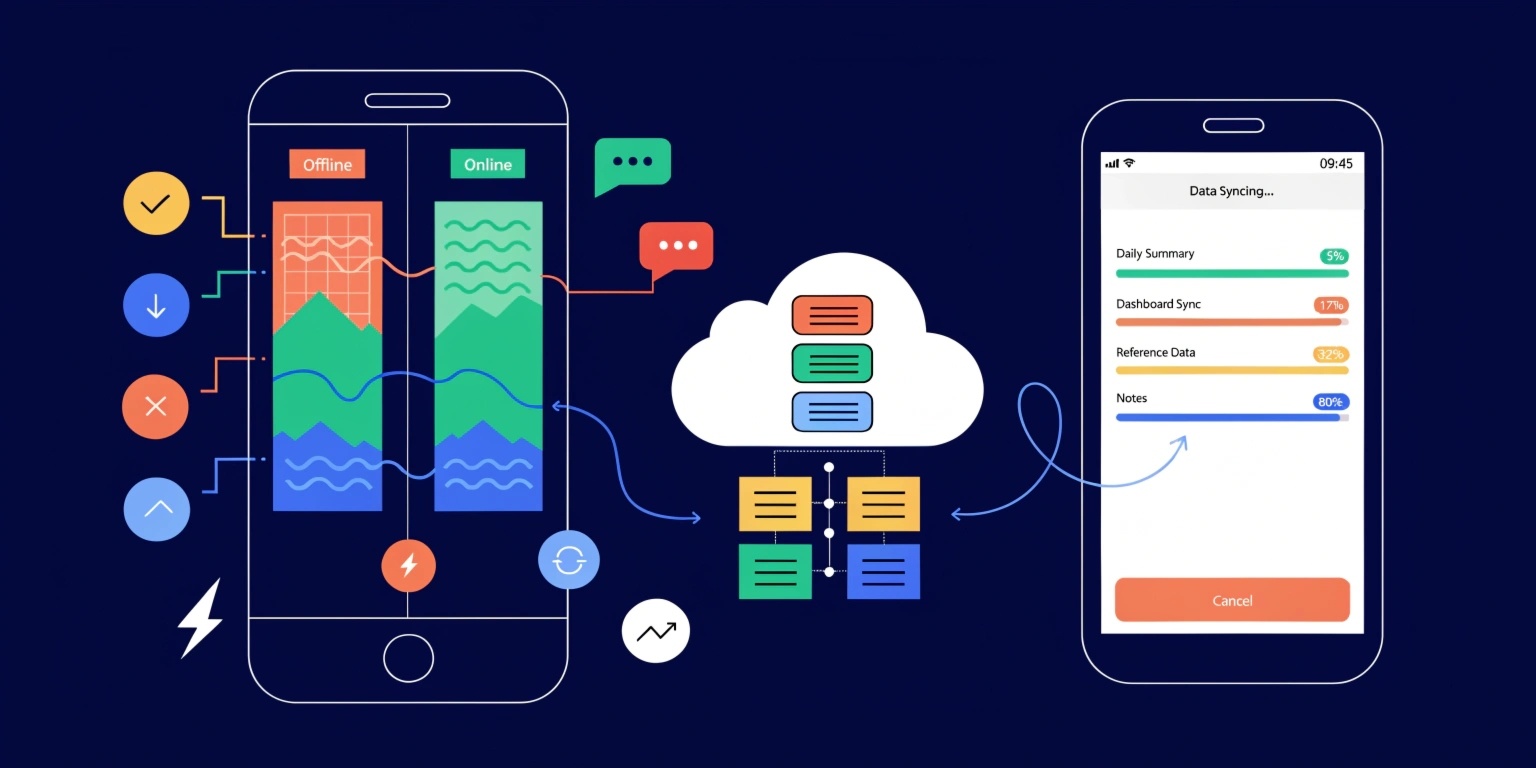
In today’s mobile-first world, users expect apps to work seamlessly—even without a stable internet connection. Whether it’s messaging apps, eCommerce platforms, or productivity tools, background data synchronization plays a crucial role in delivering a smooth experience.
Let’s explore how background data sync works and how to implement it effectively.
1. What is Background Data Sync?
Background data sync is the process of updating app data between a device and a server without requiring active user interaction.
👉 It ensures that:
- Data stays updated
- Changes are saved automatically
- Users can work offline
2. Why Background Sync is Important
Without proper synchronization:
- Users may lose data
- App data may become inconsistent
- User experience suffers
Example:
A note-taking app saves your edits offline and syncs them once the internet is available.
3. Types of Data Sync
1. Real-Time Sync
- Updates instantly
- Used in chat apps
2. Periodic Sync
- Runs at intervals
- Used in news or weather apps
3. On-Demand Sync
- Triggered manually or by events
4. Offline-First Sync
- Data stored locally first
- Synced later when online
4. How Background Sync Works (Step-by-Step)
Step 1: Local Data Storage
Data is first stored locally using:
- SQLite
- Room Database (Android)
- Core Data (iOS)
Step 2: Change Tracking
The app tracks:
- New data
- Updated data
- Deleted data
Step 3: Sync Queue Creation
Changes are added to a queue to be processed later.
Step 4: Background Execution
Background services or schedulers run sync tasks:
- Android → WorkManager
- iOS → BackgroundTasks
Step 5: Server Communication
The app sends updates to the server via APIs.
Step 6: Conflict Resolution
If the same data is modified in multiple places:
- Last-write wins
- Merge strategies
- User intervention
5. Real-World Examples
1. Messaging Apps
Apps like chat platforms sync messages in real time and store unsent messages offline.
2. eCommerce Apps
Cart updates sync across devices.
3. Productivity Apps
To-do lists and notes sync automatically.
6. Popular Tools & Technologies
1. WorkManager
- Handles background tasks in Android
- Ensures execution even after app restarts
2. Firebase
- Provides real-time database sync
- Supports offline persistence
3. Core Data
- Local storage solution for iOS
- Works well with background sync
4. Realm
- Sync-enabled mobile database
- Easy to integrate
7. Challenges in Background Sync
1. Network Reliability
Unstable internet can interrupt sync.
2. Battery Consumption
Frequent background tasks drain battery.
3. Data Conflicts
Multiple updates can create inconsistencies.
4. Security Risks
Sensitive data must be encrypted during sync.
8. Best Practices
1. Use Offline-First Approach
Always store data locally first.
2. Optimize Sync Frequency
Avoid unnecessary API calls.
3. Handle Failures Gracefully
Retry failed sync operations.
4. Use Incremental Sync
Only sync changed data, not everything.
5. Ensure Data Security
Use HTTPS and encryption.
9. Example Scenario
Imagine a fitness tracking app:
- User logs workout offline
- Data stored locally
- Internet becomes available
- Background sync uploads data to server
👉 User never loses data, even offline.
10. Future Trends
Background sync is evolving with:
- Edge computing
- AI-based sync optimization
- Real-time collaboration features
Conclusion
Background data synchronization is essential for building reliable and user-friendly mobile applications. By combining offline-first design, efficient sync strategies, and robust tools, developers can create apps that perform seamlessly under any network condition.
Mastering background sync is key to delivering modern mobile experiences that users trust and depend on.