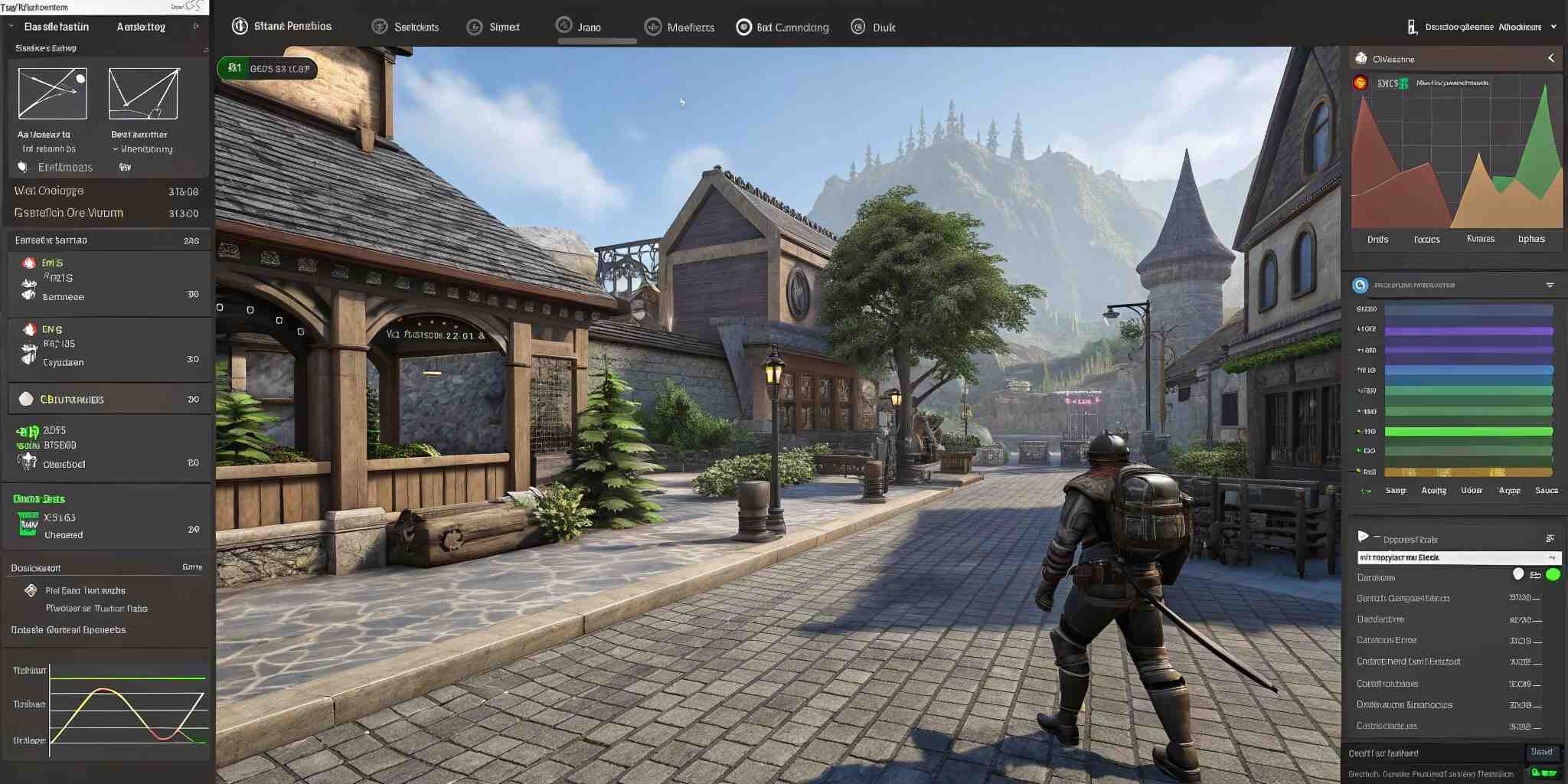
Modern games are increasingly large and visually complex, featuring high-resolution textures, realistic 3D models, detailed environments, and cinematic audio. While these assets enhance immersion, they also significantly increase file sizes, memory usage, and performance demands. Players expect fast downloads and smooth gameplay across PC, console, and mobile platforms—making asset optimization a crucial component of game development. The challenge lies in reducing file sizes without noticeable loss of quality.
Why Asset Optimization Matters
Game size has become a competitive factor. Titles exceeding 100GB are common, leading to longer installation times and more storage requirements. Meanwhile, mobile users demand lightweight builds while maintaining high-quality experiences.
Key benefits of asset optimization include:
- Reduced download and installation size
- Improved performance and loading times
- Lower memory footprint
- Better scalability across high-end and low-end devices
- Improved player accessibility and reach
Texture Optimization
Textures often consume the largest portion of asset memory. High-resolution maps are essential for realism, but uncompressed textures drastically increase build size. Effective techniques include:
Texture Compression
Formats like DXT, BCn, ETC2, ASTC, PVRTC compress textures with minimal visual degradation. ASTC, for example, offers highly configurable compression for both mobile and PC.
Mipmap Generation
Multiple resolution versions of textures allow rendering engines to use lower-resolution textures at a distance, improving performance and reducing VRAM load.
Texture Atlases
Combining smaller textures into a single large map reduces draw calls and improves GPU performance.
Resolution Targeting
Not all textures need 4K detail—UI icons, props, and effects can be scaled down without visible difference.
Mesh and Geometry Optimization
Complex 3D models increase file size and slow rendering. Optimization includes:
Level of Detail (LOD) Models
Automatic reduction of polygon count depending on camera distance. LODs maintain visual quality up close and reduce waste from distant objects.
Mesh Simplification Algorithms
Tools like Simplygon, Blender Decimate, Houdini, and Unity Mesh Simplifier remove unnecessary vertices and hidden geometry.
Instancing and Modular Design
Reusing assets instead of creating unique duplicates reduces both memory and production time.
Audio Asset Optimization
Uncompressed audio files can occupy huge space. Efficient methods include:
- Ogg Vorbis and AAC compression for music and voice
- Downsampling sample rate for secondary effects
- Loopable and layered audio instead of long recordings
- Event-driven audio loading to stream sounds only when needed
Animation and Shader Optimization
Complex skeletal animations and shader graphs also affect size and performance. Useful practices:
- Compress animation keyframes
- Retarget animations across multiple characters
- Use shared shader nodes and material instances
- Switch runtime shaders to simplified mobile versions when needed
Streaming & Asset Loading Pipelines
Modern engines allow assets to be loaded only when required. Streaming prevents loading full assets into memory unnecessarily.
Examples:
- Texture streaming
- Audio streaming from disk
- Procedural terrain generation
- Asset bundles and downloadable content packs (DLC)
This approach is crucial for open-world and VR games.
Automation in Optimization
Automated pipelines analyze assets and apply compression without manual work. Tools include:
- Unity Addressables & TextureImporter
- Unreal Engine Asset Audit Tool
- NVIDIA Texture Tools
- Adobe Substance automation
Balancing Quality and Performance
Optimization does not mean simply reducing resolution or quality. It is a strategic balance between visual fidelity and resource constraints. Testing on multiple hardware tiers is essential.