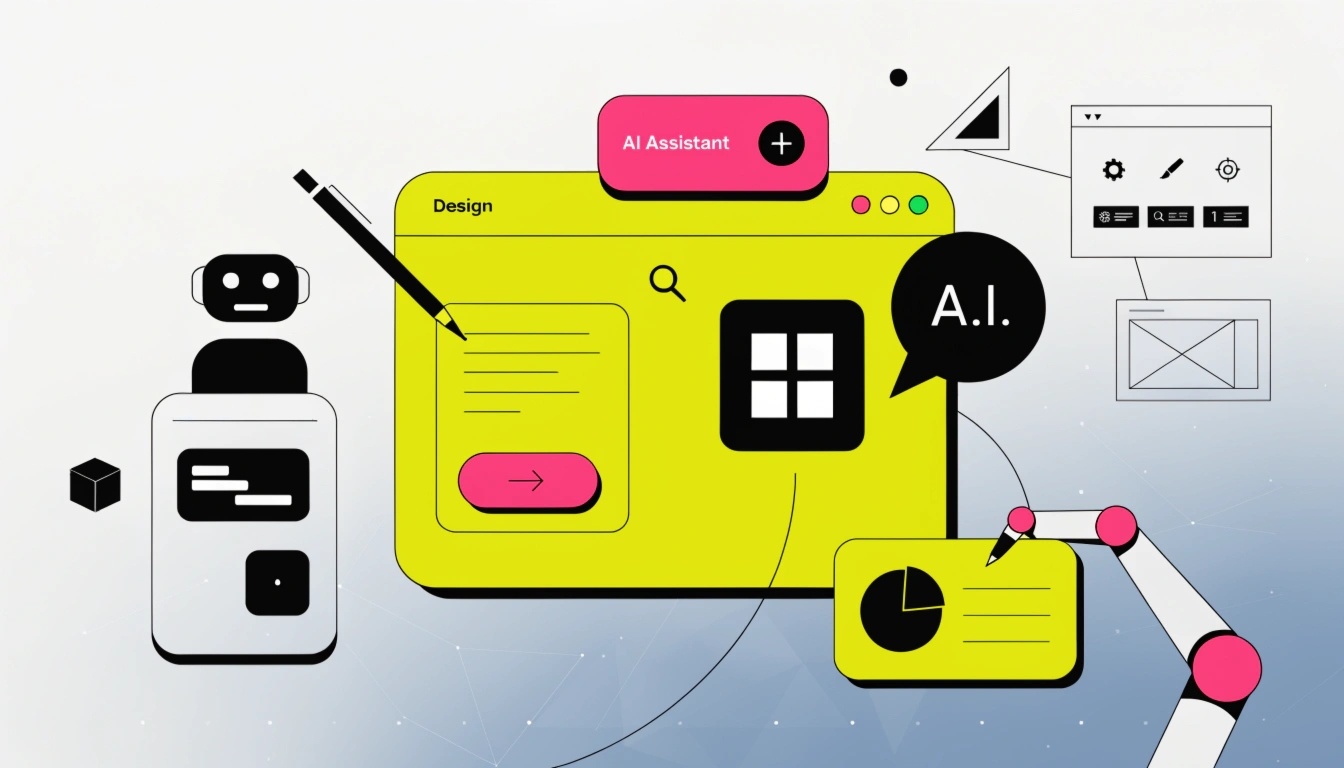
Artificial intelligence is revolutionizing UI/UX design by automating repetitive tasks, accelerating prototyping, and providing data-driven insights. From AI-generated layouts to personalized user experiences, modern tools are helping designers work faster and smarter. This article explores how AI tools are reshaping UI/UX workflows and why they are becoming essential for the future of digital product design.
AI Tools Transforming UI/UX Design Workflows
Artificial Intelligence (AI) is rapidly changing the way designers create digital experiences. What once required hours of manual work can now be accomplished in minutes with the help of AI-powered tools. From generating wireframes and prototypes to analyzing user behavior and improving accessibility, AI is becoming an essential part of modern UI/UX design workflows.
As businesses focus on delivering exceptional user experiences, designers are embracing AI technologies to increase productivity, creativity, and efficiency.
Why AI Matters in UI/UX Design
UI/UX design is more than creating visually appealing interfaces. It involves understanding user behavior, conducting research, building prototypes, and continuously optimizing experiences.
AI helps by:
- Automating repetitive design tasks.
- Generating design suggestions.
- Improving user research and analytics.
- Enhancing accessibility.
- Accelerating prototyping and testing.
- Personalizing user experiences.
Rather than replacing designers, AI acts as an intelligent assistant that enables professionals to focus more on creativity and problem-solving.
Popular AI Tools Used in UI/UX Design
1. Figma AI
Figma has introduced AI-powered features that help designers:
- Generate layouts automatically.
- Create components faster.
- Produce design variations.
- Simplify content generation.
These capabilities significantly reduce design time and improve team collaboration.
2. Adobe Firefly
Adobe Firefly enables designers to create:
- Images and graphics from text prompts.
- Icons and illustrations.
- Creative assets for websites and applications.
This reduces dependency on stock resources and speeds up content creation.
3. Uizard
Uizard uses AI to transform sketches into interactive wireframes and prototypes. Designers can quickly convert ideas into visual interfaces without extensive manual work.
Benefits include:
- Faster prototyping.
- Real-time collaboration.
- Automatic UI generation.
- Beginner-friendly workflow.
4. Framer AI
Framer AI allows users to create websites and layouts through simple text instructions. It can generate complete landing pages with responsive design elements.
This tool is especially useful for startups and rapid MVP development.
5. ChatGPT for UX Writing
AI assistants can help designers:
- Generate microcopy.
- Write button labels.
- Create onboarding content.
- Improve error messages.
- Produce user-friendly instructions.
Clear communication is a critical aspect of user experience, and AI helps streamline content creation.
AI-Powered User Research
Traditional UX research often requires significant time and resources. AI simplifies this process by analyzing:
- Heatmaps.
- User sessions.
- Click patterns.
- Customer feedback.
- Surveys and reviews.
Machine learning algorithms identify user behavior patterns and provide actionable insights, allowing teams to make data-driven design decisions.
Faster Prototyping and Iteration
One of the biggest advantages of AI in UI/UX design is speed.
AI tools can:
- Generate multiple layouts instantly.
- Suggest color palettes.
- Create responsive designs.
- Produce design alternatives.
- Automate repetitive tasks.
This allows designers to experiment with ideas more efficiently and focus on innovation rather than routine work.
Personalization Through AI
Modern users expect personalized experiences. AI enables applications to deliver:
- Customized recommendations.
- Adaptive interfaces.
- Dynamic content.
- Personalized dashboards.
- Intelligent search capabilities.
Companies like streaming platforms, e-commerce stores, and social media applications already use AI-driven personalization to enhance engagement and customer satisfaction.
Accessibility Improvements
AI contributes to inclusive design by helping identify accessibility issues such as:
- Low contrast colors.
- Missing alt text.
- Inconsistent navigation.
- Readability problems.
Designers can create experiences that are accessible to users with diverse needs, improving usability and compliance with accessibility standards.
Challenges of AI in UI/UX Design
Despite its advantages, AI also presents challenges:
Overdependence on Automation
Relying too heavily on AI may reduce originality and human creativity.
Privacy Concerns
User data used for AI analysis must be handled responsibly.
Learning Curve
Designers need to adapt to new tools and workflows.
Ethical Considerations
AI-generated content should maintain transparency and avoid biased outcomes.
Balancing human creativity with AI capabilities is essential for achieving the best results.
The Future of AI in UI/UX Design
AI is expected to become even more integrated into design workflows. Future advancements may include:
- Voice-driven interface generation.
- Predictive user experience optimization.
- Real-time design adaptation.
- AI-generated user journeys.
- Advanced personalization.
Designers who embrace AI technologies will gain a competitive advantage and deliver better digital experiences more efficiently.
Conclusion
AI tools are transforming UI/UX design workflows by increasing efficiency, accelerating prototyping, and enabling smarter decision-making. Instead of replacing designers, AI enhances creativity and helps teams build more engaging and user-centric experiences.
As artificial intelligence continues to evolve, the combination of human creativity and intelligent automation will define the future of UI/UX design. Organizations and designers that adopt AI-driven workflows today will be better prepared for the next generation of digital experiences.
We build scalable web, mobile, and game products for clients worldwide — combining modern frameworks, cloud infrastructure, and best engineering practices.
.jpg)
.jpg)
.jpg)